M365.FM - Modern work, security, and productivity with Microsoft 365
Power Apps - Simply Explained
July 21 · 19 min · Season 3 · 27.7 MB
0:00-19:15
Streams straight from the publisher. podnod never proxies or re-hosts episode audio.
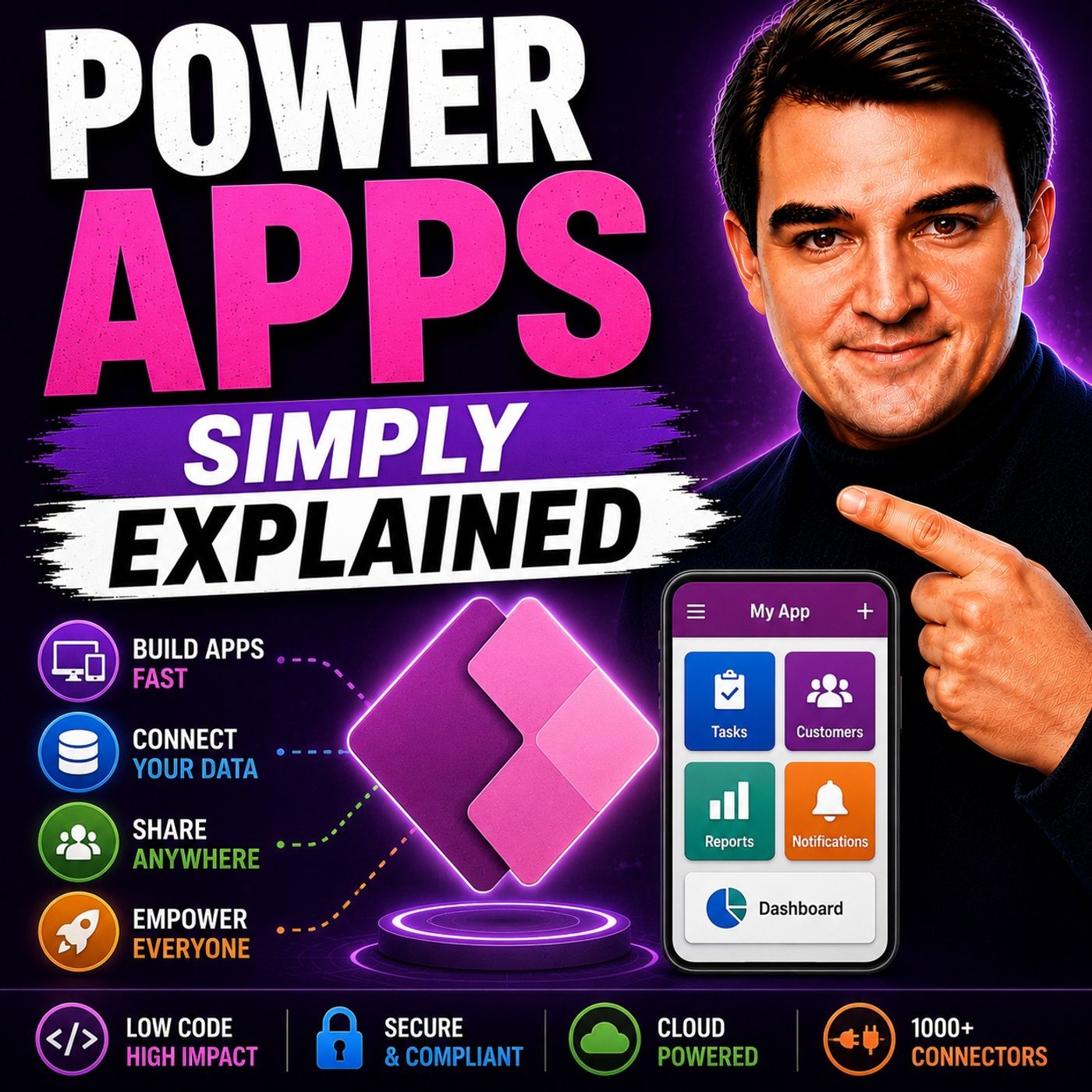
Welcome to another episode of Knowledge Nuggets with Mirko Peters. In this episode, we're exploring Microsoft Power Apps, Microsoft's low-code platform for building custom business applications without traditional software development. Every organization has processes that deserve a dedicated app—equipment tracking, expense reporting, employee onboarding, inspections, approvals, or customer management. Traditionally, building these applications required software developers, long development cycles, and significant budgets. Power Apps changes that by allowing business users, citizen developers, and IT professionals to build secure business applications using visual tools, familiar Excel-style formulas, and deep integration with Microsoft 365.
WHAT IS POWER APPS?
Power Apps is part of the Microsoft Power Platform, alongside:
LOW-CODE DOESN'T MEAN NO-CODE
Power Apps is often described as a low-code platform. Rather than writing complex C# or JavaScript applications, users build solutions visually while adding simple formulas only where needed. If you've used Excel formulas such as IF(), SUM(), or FILTER(), you'll quickly recognize the Power Fx syntax. The goal isn't to eliminate coding completely—it is to dramatically reduce the amount of technical knowledge required to create professional business applications. This allows departments to solve their own business problems instead of waiting months for traditional software development projects.
CANVAS APPS VS. MODEL-DRIVEN APPS
Power Apps offers two primary application models. Canvas Apps Canvas Apps begin with a blank screen. Developers decide exactly where every button, image, gallery, and control appears, providing complete flexibility over the user experience. Canvas Apps work best for:
DATAVERSE: THE FOUNDATION
Behind many Power Apps solutions is Microsoft Dataverse. Dataverse is Microsoft's cloud-native business database built specifically for the Power Platform. It provides:
CONNECTING TO BUSINESS DATA
One of Power Apps' greatest strengths is connectivity. Through more than 300 connectors, applications can integrate with:
MICROSOFT 365 INTEGRATION
Power Apps fits naturally into the Microsoft ecosystem. Applications can run:
BUILDING YOUR FIRST APP
Creating a Power App is remarkably simple. Users can begin with an Excel spreadsheet or SharePoint list. Power Apps automatically generates:
AI AND COPILOT IN POWER APPS
Power Apps has changed dramatically with the introduction of Microsoft Copilot. Instead of manually designing every application, developers can now describe the app they want using natural language. For example: "Create an expense approval application with manager approvals and monthly reporting." Copilot can generate:
Become a supporter of this podcast: https://www.spreaker.com/podcast/m365-fm-modern-work-security-and-productivity-with-microsoft-365--6704921/support.
WHAT IS POWER APPS?
Power Apps is part of the Microsoft Power Platform, alongside:
- Power Automate
- Power BI
- Power Pages
- Microsoft Copilot
LOW-CODE DOESN'T MEAN NO-CODE
Power Apps is often described as a low-code platform. Rather than writing complex C# or JavaScript applications, users build solutions visually while adding simple formulas only where needed. If you've used Excel formulas such as IF(), SUM(), or FILTER(), you'll quickly recognize the Power Fx syntax. The goal isn't to eliminate coding completely—it is to dramatically reduce the amount of technical knowledge required to create professional business applications. This allows departments to solve their own business problems instead of waiting months for traditional software development projects.
CANVAS APPS VS. MODEL-DRIVEN APPS
Power Apps offers two primary application models. Canvas Apps Canvas Apps begin with a blank screen. Developers decide exactly where every button, image, gallery, and control appears, providing complete flexibility over the user experience. Canvas Apps work best for:
- Mobile applications
- Inspection forms
- Approval apps
- Dashboards
- Simple business processes
- Task-specific applications
- CRM systems
- HR portals
- Asset management
- Project tracking
- Customer databases
- Complex enterprise applications
DATAVERSE: THE FOUNDATION
Behind many Power Apps solutions is Microsoft Dataverse. Dataverse is Microsoft's cloud-native business database built specifically for the Power Platform. It provides:
- Secure tables
- Relationships
- Business rules
- Role-based security
- Data validation
- Enterprise scalability
CONNECTING TO BUSINESS DATA
One of Power Apps' greatest strengths is connectivity. Through more than 300 connectors, applications can integrate with:
- SharePoint
- Microsoft Teams
- Outlook
- OneDrive
- Excel
- SQL Server
- Salesforce
- SAP
- Oracle
- Google services
- Dropbox
- REST APIs
- Custom business systems
MICROSOFT 365 INTEGRATION
Power Apps fits naturally into the Microsoft ecosystem. Applications can run:
- Inside Microsoft Teams
- In any web browser
- On iOS and Android devices
- Embedded within SharePoint pages
BUILDING YOUR FIRST APP
Creating a Power App is remarkably simple. Users can begin with an Excel spreadsheet or SharePoint list. Power Apps automatically generates:
- A Browse screen
- A Details screen
- An Edit screen
AI AND COPILOT IN POWER APPS
Power Apps has changed dramatically with the introduction of Microsoft Copilot. Instead of manually designing every application, developers can now describe the app they want using natural language. For example: "Create an expense approval application with manager approvals and monthly reporting." Copilot can generate:
- Screens
- Navigation
- Tables
- Business logic
- Forms
- Power Fx formulas
Become a supporter of this podcast: https://www.spreaker.com/podcast/m365-fm-modern-work-security-and-productivity-with-microsoft-365--6704921/support.