M365.FM - Modern work, security, and productivity with Microsoft 365
Power Pages - Simply Explained
July 21 · 15 min · Season 3 · 22.5 MB
0:00-15:36
Streams straight from the publisher. podnod never proxies or re-hosts episode audio.
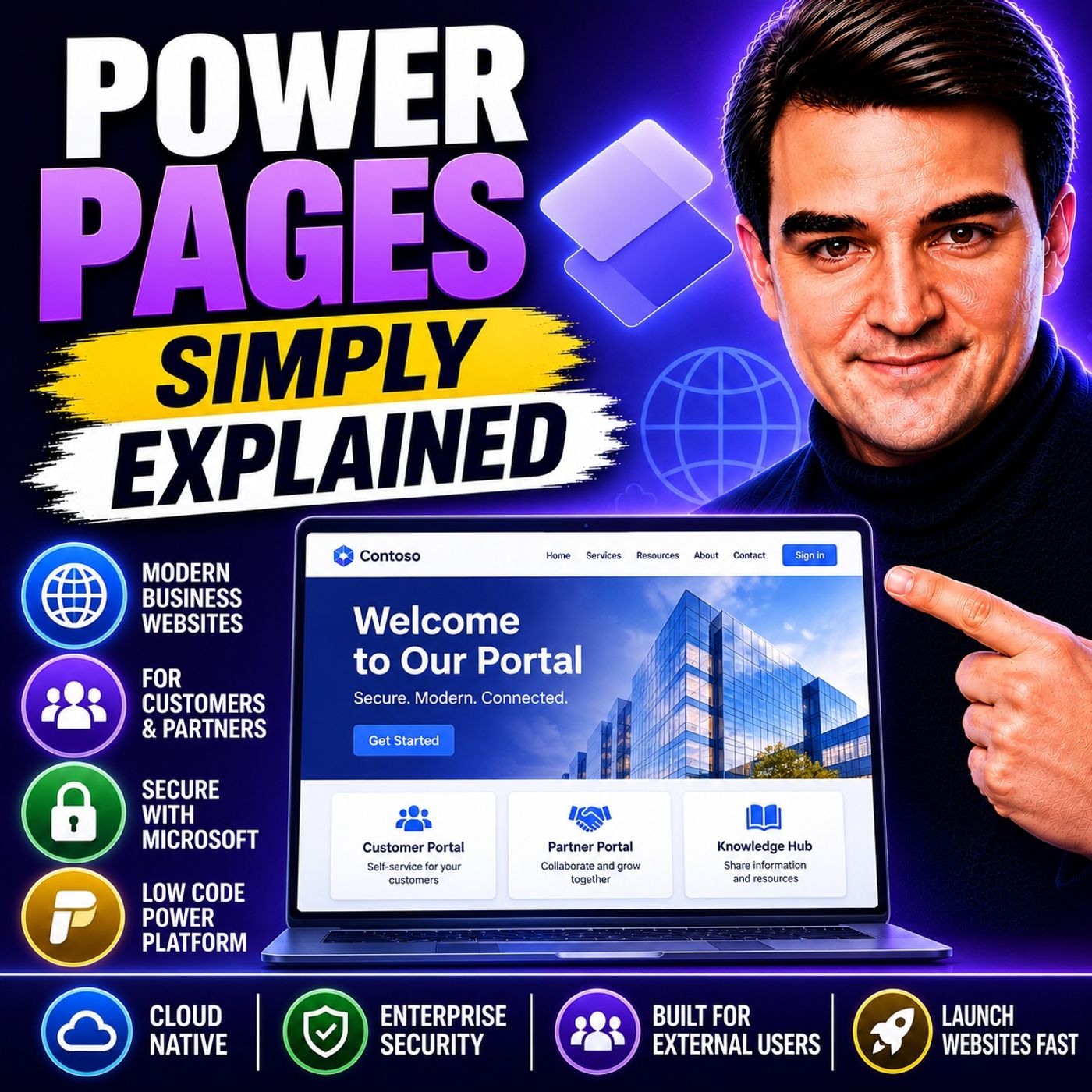
Welcome to another episode of Knowledge Nuggets with Mirko Peters. In this episode, we're exploring Microsoft Power Pages, Microsoft's low-code platform for building secure, external-facing business websites. Modern organizations need more than marketing websites. They need customer portals, partner hubs, supplier dashboards, volunteer registration sites, and self-service platforms that connect directly to business data. Traditionally, building these solutions required web developers, expensive hosting, and months of development. Power Pages changes that by allowing organizations to build secure, data-driven websites that integrate seamlessly with Microsoft 365 and Dataverse—without starting from scratch.
WHAT IS POWER PAGES?
Power Pages is Microsoft's low-code platform for building external business websites. Unlike Power Apps, which focuses on internal employee applications, Power Pages is designed for users outside your organization, including:
FROM POWER APPS PORTALS TO POWER PAGES
Power Pages wasn't built from scratch. Originally known as Power Apps Portals, Microsoft rebranded the product in 2022 to give it its own identity within the Power Platform. Today, Power Pages stands alongside:
DATAVERSE: THE FOUNDATION
Every Power Pages website is built around Microsoft Dataverse. Dataverse stores business information such as:
BUILDING SITES WITH DESIGN STUDIO
Power Pages includes a visual Design Studio that simplifies website creation. The experience is divided into four primary workspaces. Pages Create pages visually using drag-and-drop controls, including:
SECURITY BY DESIGN
Security is one of Power Pages' strongest features. New sites are private by default, preventing accidental exposure before administrators intentionally publish them. Microsoft provides enterprise-grade protection including:
LICENSING
Power Pages uses standalone licensing separate from Power Apps. Pricing is based primarily on:
Become a supporter of this podcast: https://www.spreaker.com/podcast/m365-fm-modern-work-security-and-productivity-with-microsoft-365--6704921/support.
WHAT IS POWER PAGES?
Power Pages is Microsoft's low-code platform for building external business websites. Unlike Power Apps, which focuses on internal employee applications, Power Pages is designed for users outside your organization, including:
- Customers
- Partners
- Suppliers
- Vendors
- Contractors
- Citizens
- Volunteers
FROM POWER APPS PORTALS TO POWER PAGES
Power Pages wasn't built from scratch. Originally known as Power Apps Portals, Microsoft rebranded the product in 2022 to give it its own identity within the Power Platform. Today, Power Pages stands alongside:
- Power Apps
- Power Automate
- Power BI
- Microsoft Copilot
- A modern Design Studio
- Simplified licensing
- Improved security
- Better development experience
- AI-assisted website creation
DATAVERSE: THE FOUNDATION
Every Power Pages website is built around Microsoft Dataverse. Dataverse stores business information such as:
- Customer accounts
- Orders
- Support tickets
- Inventory
- Projects
- Service requests
BUILDING SITES WITH DESIGN STUDIO
Power Pages includes a visual Design Studio that simplifies website creation. The experience is divided into four primary workspaces. Pages Create pages visually using drag-and-drop controls, including:
- Text
- Images
- Forms
- Lists
- Navigation
- Sections
- Branding
- Fonts
- Colors
- Themes
- Layout
- Dataverse tables
- Forms
- Views
- Relationships
- Site settings
- Authentication
- Integrations
- AI capabilities
- Go-live configuration
SECURITY BY DESIGN
Security is one of Power Pages' strongest features. New sites are private by default, preventing accidental exposure before administrators intentionally publish them. Microsoft provides enterprise-grade protection including:
- Web Application Firewall (WAF)
- Content Delivery Network (CDN)
- DDoS protection
- Microsoft Entra ID integration
- SSL certificates
- Managed hosting
- Microsoft accounts
- OpenID Connect
- SAML identity providers
LICENSING
Power Pages uses standalone licensing separate from Power Apps. Pricing is based primarily on:
- Authenticated users
- Anonymous website visitors
Become a supporter of this podcast: https://www.spreaker.com/podcast/m365-fm-modern-work-security-and-productivity-with-microsoft-365--6704921/support.