M365.FM - Modern work, security, and productivity with Microsoft 365
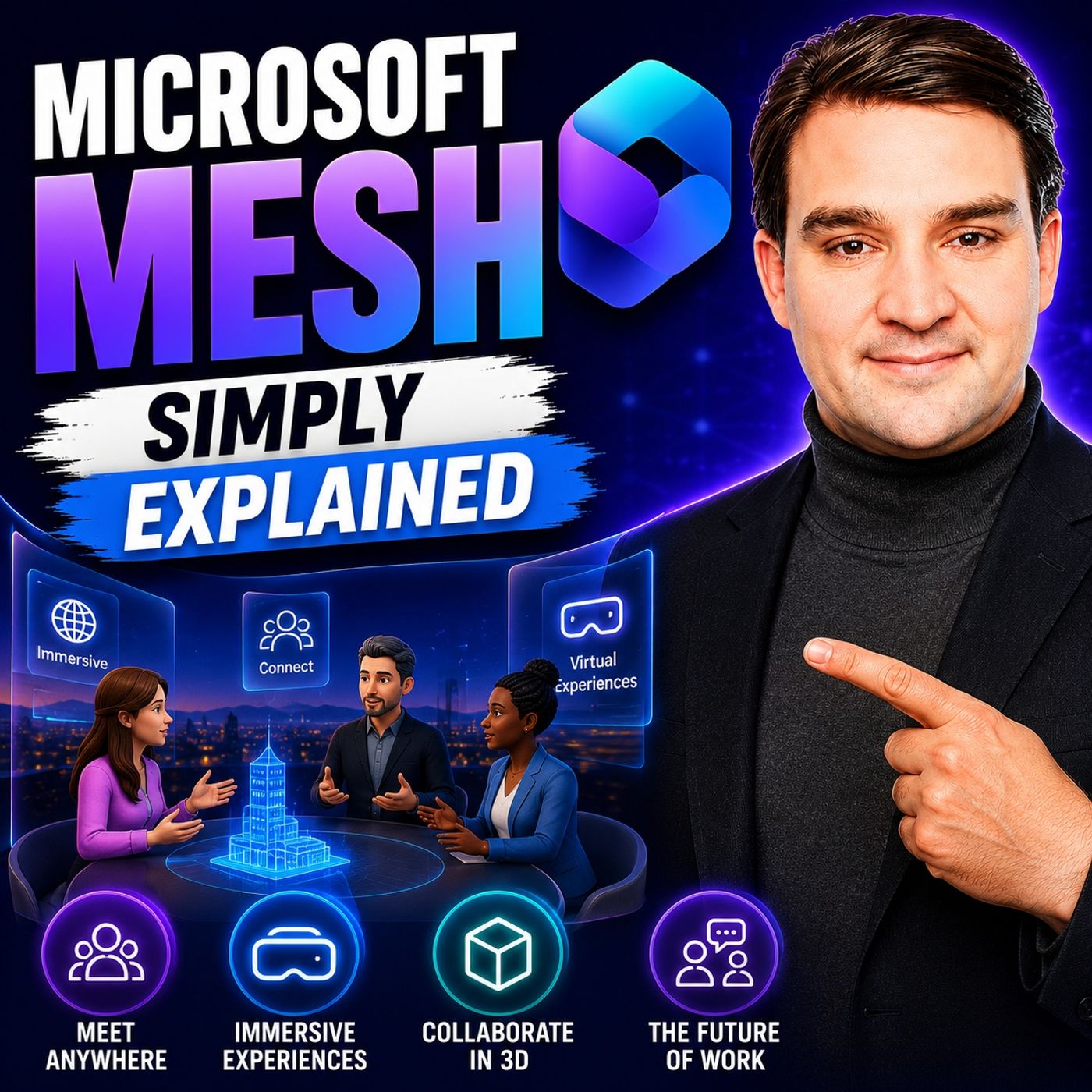
Microsoft Mesh - Simply Explained
July 22 · 14 min · Season 3 · 20.2 MB
0:00-14:03
Streams straight from the publisher. podnod never proxies or re-hosts episode audio.
Welcome to another episode of Knowledge Nuggets with Mirko Peters. Today we're exploring Microsoft Mesh, one of the most talked-about—but also one of the most misunderstood—technologies in the Microsoft ecosystem. When Microsoft first announced Mesh, headlines were filled with words like metaverse, mixed reality, and virtual worlds. Many people assumed Microsoft was building a completely new digital universe where businesses would eventually spend their working days. While that vision generated enormous excitement, the product has evolved considerably since then. Today, Microsoft Mesh is no longer a standalone metaverse platform. Instead, it has become an integrated feature inside Microsoft Teams that allows colleagues to meet in immersive 3D environments using avatars, spatial audio, and shared virtual meeting spaces. In this episode, we'll separate marketing from reality. You'll learn what Microsoft Mesh actually is today, how it works inside Teams, why Microsoft changed its strategy, and when immersive meetings genuinely add value over a traditional video call.
WHAT IS MICROSOFT MESH?
At its core, Microsoft Mesh is a platform for creating shared three-dimensional collaboration experiences. Rather than replacing Microsoft Teams, it extends Teams by allowing participants to join immersive meeting spaces where everyone appears as customizable avatars instead of webcam videos. Instead of seeing colleagues arranged in a traditional gallery view, participants gather inside a virtual meeting room where they can move around naturally, choose where to sit, and interact with each other in a much more spatial way. The experience is designed to recreate some of the social cues that are often missing during traditional online meetings. One important misconception is that Mesh is not a persistent virtual world where people spend their entire working day. It isn't a digital office that remains active around the clock, nor is it a virtual reality game. Mesh sessions exist only while a meeting is taking place. Teams join the immersive space, collaborate together, and leave once the meeting has finished. Another advantage is accessibility. While Mesh supports virtual reality headsets such as Meta Quest and future support for Apple Vision Pro has been announced, most users simply participate using the standard Microsoft Teams application on their Windows or Mac computer. No expensive hardware is required to begin exploring immersive collaboration.
FROM METAVERSE VISION TO MICROSOFT TEAMS
Microsoft Mesh has undergone a significant transformation since its original announcement. When Microsoft introduced Mesh in 2021, the vision extended far beyond virtual meetings. Organizations were expected to build custom virtual campuses, immersive training environments, branded event spaces, and interactive digital experiences using development tools based on the Unity game engine. The platform promised an expansive metaverse experience for enterprise collaboration. Over time, however, Microsoft observed that most organizations didn't want to manage another collaboration platform alongside Microsoft Teams. Businesses were already deeply invested in Microsoft 365 and preferred immersive capabilities to become part of the applications employees already used every day. As a result, Microsoft gradually integrated Mesh directly into Microsoft Teams while retiring much of the standalone platform. Dedicated Mesh applications, development toolkits, and independent web experiences were discontinued, leaving Teams as the primary entry point for immersive collaboration. Although this transition reduced some advanced customization capabilities, it dramatically simplified adoption. Today, organizations can experience Mesh without deploying separate infrastructure or learning an entirely new collaboration platform.
HOW IMMERSIVE SPACES WORK
Using Microsoft Mesh is surprisingly straightforward because everything begins with a normal Microsoft Teams meeting. Participants simply schedule or join a regular Teams meeting and then select the Immersive Space option from within the meeting interface. Teams guides first-time users through creating a personal avatar by selecting hairstyles, clothing, facial features, and other appearance options before entering one of Microsoft's available virtual environments. Inside the immersive space, participants move around using familiar keyboard controls or by selecting seats directly within the room. Instead of remaining fixed in a gallery layout, people naturally gather in groups, move between conversations, and interact with the environment much like they would inside a physical meeting room. One particularly useful aspect is privacy. Because participants appear as avatars rather than live webcam feeds, they don't need to worry about their camera being enabled or their home office appearing on screen. Voice communication continues normally while the avatar represents each participant visually throughout the meeting.
THE POWER OF SPATIAL AUDIO
Perhaps the most impressive feature of Microsoft Mesh is spatial audio. In traditional video conferences, every voice sounds as though it comes from exactly the same location: directly through the speakers. Whether someone is presenting to the entire meeting or quietly speaking to one colleague, everyone hears every conversation equally. Mesh changes this completely. Audio behaves much more like it does in the real world. Voices become louder as avatars move closer together and quieter as they move farther apart. Turning toward another participant changes the perceived direction of their voice, creating a much stronger feeling of physical presence. This makes natural side conversations possible without requiring separate breakout rooms or private chat sessions. Two colleagues can simply move to another area of the virtual room, have a quick discussion, and then return to the main group. These subtle spatial cues reduce the artificial feeling often associated with traditional video meetings and help recreate the informal interactions that naturally occur in physical offices.
AVATARS MAKE REMOTE MEETINGS FEEL MORE HUMAN
Avatars are another key element that distinguishes Microsoft Mesh from standard online meetings. Rather than displaying static profile pictures or requiring webcams throughout an entire meeting, participants are represented by animated digital versions of themselves. These avatars respond to head movements and certain facial expressions, helping create a stronger sense of presence during conversations. Users personalize their avatars through Microsoft Teams by selecting hairstyles, clothing, accessories, and other visual characteristics. Although avatars aren't intended to be perfectly photorealistic, they provide enough personality to help participants recognize one another and maintain social engagement throughout meetings. Research has shown that feeling physically represented inside a shared virtual environment can increase attention and participation. People tend to focus more on discussions when they feel present inside the meeting rather than passively watching a collection of video windows. For organizations where webcams are often disabled, avatars provide a comfortable middle ground between complete anonymity and continuous video participation.
REAL-WORLD BUSINESS USE CASES
Microsoft Mesh delivers the greatest value when meetings require interaction rather than simply presenting information. One of the best-known examples comes from Accenture, which used immersive environments to support onboarding experiences for hundreds of thousands of new employees. Rather than attending traditional orientation sessions through video calls, participants explored virtual campuses, interacted with colleagues, and attended collaborative training sessions inside shared digital spaces. Mesh is also well suited for team-building events, brainstorming workshops, collaborative design reviews, training simulations, and product demonstrations. Because participants can move naturally around the environment and engage in smaller discussions, meetings often feel significantly more dynamic than conventional video conferences. Training scenarios represent another particularly strong use case. Whether teaching manufacturing safety procedures, customer service interactions, or medical simulations, immersive environments provide spatial context that standard presentation slides simply cannot replicate. The common theme across successful deployments is interaction. Mesh adds the most value when participants actively collaborate rather than simply watch presentations.
WHEN SHOULD YOU USE MICROSOFT MESH?
Despite its impressive capabilities, Microsoft Mesh isn't designed for every meeting. Simple one-to-one conversations, customer calls, webinars, and presentations generally work perfectly well using standard Microsoft Teams meetings. In these situations, immersive spaces often provide little additional benefit. However, Mesh becomes much more compelling for distributed teams that struggle to recreate natural collaboration while working remotely. Brainstorming sessions, design workshops, project kickoffs, innovation events, onboarding activities, and team-building exercises all benefit from the increased sense of presence provided by avatars and spatial audio. Current limitations remain. Immersive spaces support relatively small groups, organizations can no longer create fully customized virtual environments using Microsoft's retired development toolkit, and adoption is still relatively early across many businesses.
Become a supporter of this podcast: https://www.spreaker.com/podcast/m365-fm-modern-work-security-and-productivity-with-microsoft-365--6704921/support.
WHAT IS MICROSOFT MESH?
At its core, Microsoft Mesh is a platform for creating shared three-dimensional collaboration experiences. Rather than replacing Microsoft Teams, it extends Teams by allowing participants to join immersive meeting spaces where everyone appears as customizable avatars instead of webcam videos. Instead of seeing colleagues arranged in a traditional gallery view, participants gather inside a virtual meeting room where they can move around naturally, choose where to sit, and interact with each other in a much more spatial way. The experience is designed to recreate some of the social cues that are often missing during traditional online meetings. One important misconception is that Mesh is not a persistent virtual world where people spend their entire working day. It isn't a digital office that remains active around the clock, nor is it a virtual reality game. Mesh sessions exist only while a meeting is taking place. Teams join the immersive space, collaborate together, and leave once the meeting has finished. Another advantage is accessibility. While Mesh supports virtual reality headsets such as Meta Quest and future support for Apple Vision Pro has been announced, most users simply participate using the standard Microsoft Teams application on their Windows or Mac computer. No expensive hardware is required to begin exploring immersive collaboration.
FROM METAVERSE VISION TO MICROSOFT TEAMS
Microsoft Mesh has undergone a significant transformation since its original announcement. When Microsoft introduced Mesh in 2021, the vision extended far beyond virtual meetings. Organizations were expected to build custom virtual campuses, immersive training environments, branded event spaces, and interactive digital experiences using development tools based on the Unity game engine. The platform promised an expansive metaverse experience for enterprise collaboration. Over time, however, Microsoft observed that most organizations didn't want to manage another collaboration platform alongside Microsoft Teams. Businesses were already deeply invested in Microsoft 365 and preferred immersive capabilities to become part of the applications employees already used every day. As a result, Microsoft gradually integrated Mesh directly into Microsoft Teams while retiring much of the standalone platform. Dedicated Mesh applications, development toolkits, and independent web experiences were discontinued, leaving Teams as the primary entry point for immersive collaboration. Although this transition reduced some advanced customization capabilities, it dramatically simplified adoption. Today, organizations can experience Mesh without deploying separate infrastructure or learning an entirely new collaboration platform.
HOW IMMERSIVE SPACES WORK
Using Microsoft Mesh is surprisingly straightforward because everything begins with a normal Microsoft Teams meeting. Participants simply schedule or join a regular Teams meeting and then select the Immersive Space option from within the meeting interface. Teams guides first-time users through creating a personal avatar by selecting hairstyles, clothing, facial features, and other appearance options before entering one of Microsoft's available virtual environments. Inside the immersive space, participants move around using familiar keyboard controls or by selecting seats directly within the room. Instead of remaining fixed in a gallery layout, people naturally gather in groups, move between conversations, and interact with the environment much like they would inside a physical meeting room. One particularly useful aspect is privacy. Because participants appear as avatars rather than live webcam feeds, they don't need to worry about their camera being enabled or their home office appearing on screen. Voice communication continues normally while the avatar represents each participant visually throughout the meeting.
THE POWER OF SPATIAL AUDIO
Perhaps the most impressive feature of Microsoft Mesh is spatial audio. In traditional video conferences, every voice sounds as though it comes from exactly the same location: directly through the speakers. Whether someone is presenting to the entire meeting or quietly speaking to one colleague, everyone hears every conversation equally. Mesh changes this completely. Audio behaves much more like it does in the real world. Voices become louder as avatars move closer together and quieter as they move farther apart. Turning toward another participant changes the perceived direction of their voice, creating a much stronger feeling of physical presence. This makes natural side conversations possible without requiring separate breakout rooms or private chat sessions. Two colleagues can simply move to another area of the virtual room, have a quick discussion, and then return to the main group. These subtle spatial cues reduce the artificial feeling often associated with traditional video meetings and help recreate the informal interactions that naturally occur in physical offices.
AVATARS MAKE REMOTE MEETINGS FEEL MORE HUMAN
Avatars are another key element that distinguishes Microsoft Mesh from standard online meetings. Rather than displaying static profile pictures or requiring webcams throughout an entire meeting, participants are represented by animated digital versions of themselves. These avatars respond to head movements and certain facial expressions, helping create a stronger sense of presence during conversations. Users personalize their avatars through Microsoft Teams by selecting hairstyles, clothing, accessories, and other visual characteristics. Although avatars aren't intended to be perfectly photorealistic, they provide enough personality to help participants recognize one another and maintain social engagement throughout meetings. Research has shown that feeling physically represented inside a shared virtual environment can increase attention and participation. People tend to focus more on discussions when they feel present inside the meeting rather than passively watching a collection of video windows. For organizations where webcams are often disabled, avatars provide a comfortable middle ground between complete anonymity and continuous video participation.
REAL-WORLD BUSINESS USE CASES
Microsoft Mesh delivers the greatest value when meetings require interaction rather than simply presenting information. One of the best-known examples comes from Accenture, which used immersive environments to support onboarding experiences for hundreds of thousands of new employees. Rather than attending traditional orientation sessions through video calls, participants explored virtual campuses, interacted with colleagues, and attended collaborative training sessions inside shared digital spaces. Mesh is also well suited for team-building events, brainstorming workshops, collaborative design reviews, training simulations, and product demonstrations. Because participants can move naturally around the environment and engage in smaller discussions, meetings often feel significantly more dynamic than conventional video conferences. Training scenarios represent another particularly strong use case. Whether teaching manufacturing safety procedures, customer service interactions, or medical simulations, immersive environments provide spatial context that standard presentation slides simply cannot replicate. The common theme across successful deployments is interaction. Mesh adds the most value when participants actively collaborate rather than simply watch presentations.
WHEN SHOULD YOU USE MICROSOFT MESH?
Despite its impressive capabilities, Microsoft Mesh isn't designed for every meeting. Simple one-to-one conversations, customer calls, webinars, and presentations generally work perfectly well using standard Microsoft Teams meetings. In these situations, immersive spaces often provide little additional benefit. However, Mesh becomes much more compelling for distributed teams that struggle to recreate natural collaboration while working remotely. Brainstorming sessions, design workshops, project kickoffs, innovation events, onboarding activities, and team-building exercises all benefit from the increased sense of presence provided by avatars and spatial audio. Current limitations remain. Immersive spaces support relatively small groups, organizations can no longer create fully customized virtual environments using Microsoft's retired development toolkit, and adoption is still relatively early across many businesses.
Become a supporter of this podcast: https://www.spreaker.com/podcast/m365-fm-modern-work-security-and-productivity-with-microsoft-365--6704921/support.