Skip to content
Artwork for Computer Learning Zone
Computer Learning Zone · Yesterday · 27 min

Let Users Choose Continuous Form Columns in Microsoft Access

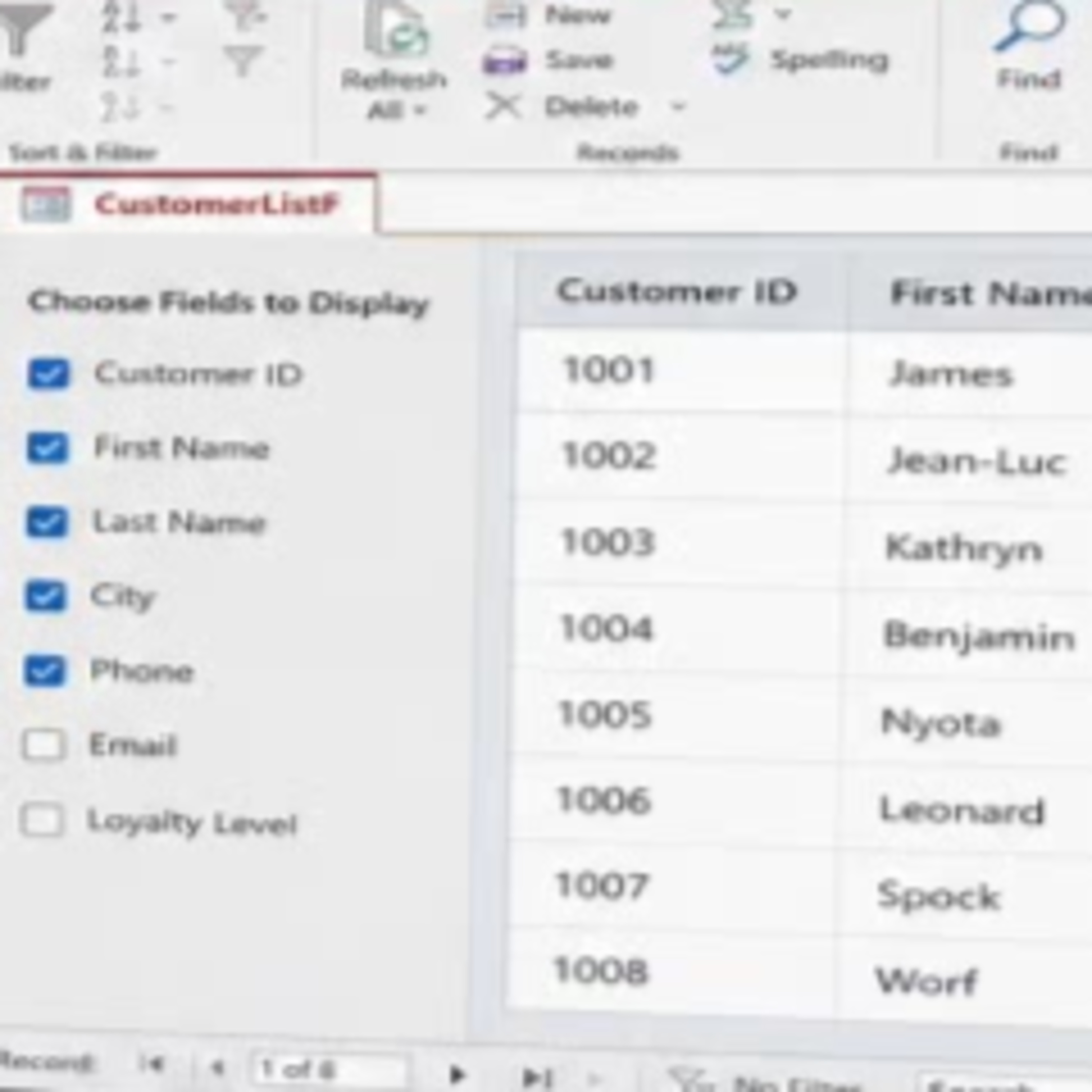
Continuous forms give you much more design control than a datasheet, but hiding a field can leave awkward blank gaps in every row. This episode looks at a practical VBA pattern for letting users choose which fields they want to see while keeping the remaining controls neatly aligned. Learn how checkbox-based field selectors can show or hide both detail controls and their matching labels, then reposition the visible fields using their Left positions and actual widths. The result is a compact, configurable list that still looks like an intentionally designed Access form. It is a useful approach for forms with different audiences, especially when some users need a simple view while others want additional columns. The discussion also covers when Datasheet View may be the better choice and how this basic technique can grow into saved layouts, user preferences, and reusable form layout management.

0:00-27:40

transcript

No transcript — this publisher did not publish one.

show notes

Continuous forms give you much more design control than a datasheet, but hiding a field can leave awkward blank gaps in every row. This episode looks at a practical VBA pattern for letting users choose which fields they want to see while keeping the remaining controls neatly aligned.

Learn how checkbox-based field selectors can show or hide both detail controls and their matching labels, then reposition the visible fields using their Left positions and actual widths. The result is a compact, configurable list that still looks like an intentionally designed Access form.

It is a useful approach for forms with different audiences, especially when some users need a simple view while others want additional columns. The discussion also covers when Datasheet View may be the better choice and how this basic technique can grow into saved layouts, user preferences, and reusable form layout management.