Highlight Search Matches Inside Microsoft Access Text Boxes
transcript
show notes
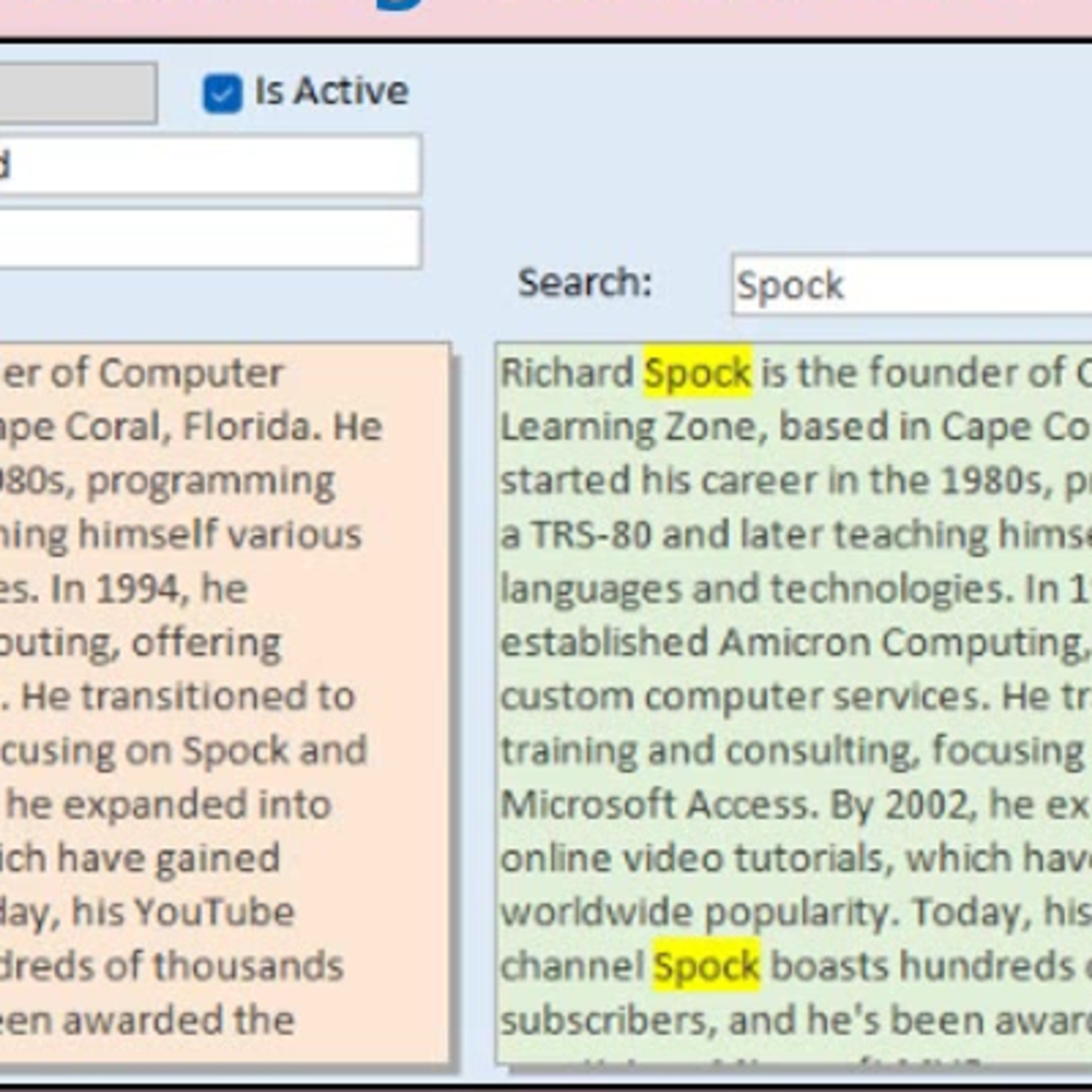
Conditional formatting can flag an entire field, but that is not much help when a long notes box contains several paragraphs. In this episode, Richard Rost shows how to highlight every occurrence of a search word or phrase inside a Microsoft Access text box without changing the original table data.
The discussion uses VBA, rich text controls, HTML-style formatting tags, and the Replace function to create a separate display field with highlighted matches. It also covers why quote handling matters, how case can affect displayed search text, and why this approach is especially useful for large plain-text notes fields.
Richard also explains important limitations, including complications with existing rich-text formatting and why an unbound rich-text display does not behave correctly in continuous forms.