video episode

0:00 / 12:53
Hands-On Apple (Video) · July 2 · 12 min
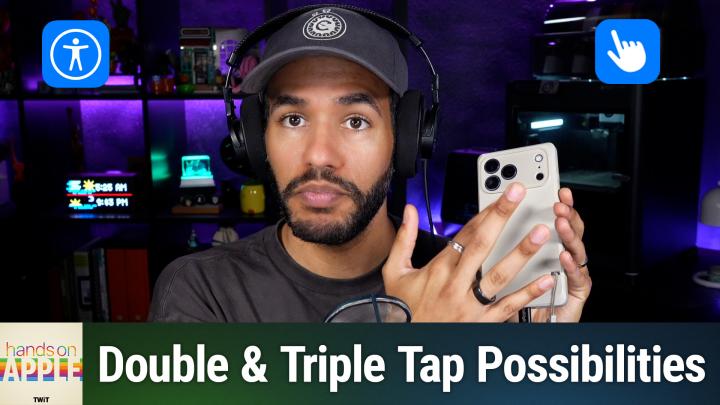
HOA 238: Using Back Tap on iPhone
transcript
show notes
Transform your iPhone interaction with a neat double-tap feature that most users have never noticed in the settings menu. Find out how to program the back of your phone for quick actions like taking a screenshot, launching your favorite app, or automating nighttime routines.
- Finding and enabling Back Tap in Accessibility settings
- Double tap and triple tap back actions explained
- How Back Tap uses sensors, not physical buttons
- Assigning system, accessibility, and device actions to Back Tap
- Using Back Tap to trigger shortcuts for custom automations
- Practical uses and avoiding accidental activations
Host: Mikah Sargent
Download or subscribe to Hands-On Apple at https://twit.tv/shows/hands-on-apple
Want access to the ad-free audio and video and exclusive features? Become a member of Club TWiT today! https://twit.tv/clubtwit
Club TWiT members can discuss this episode and leave feedback in the Club TWiT Discord.
Sponsor:
links5


