Skip to content
Artwork for CyberCode Academy
CyberCode Academy · September 28 · 23 min

Course 44 - RH Security Specialist | Episode 8: Console Security and SSH Banners

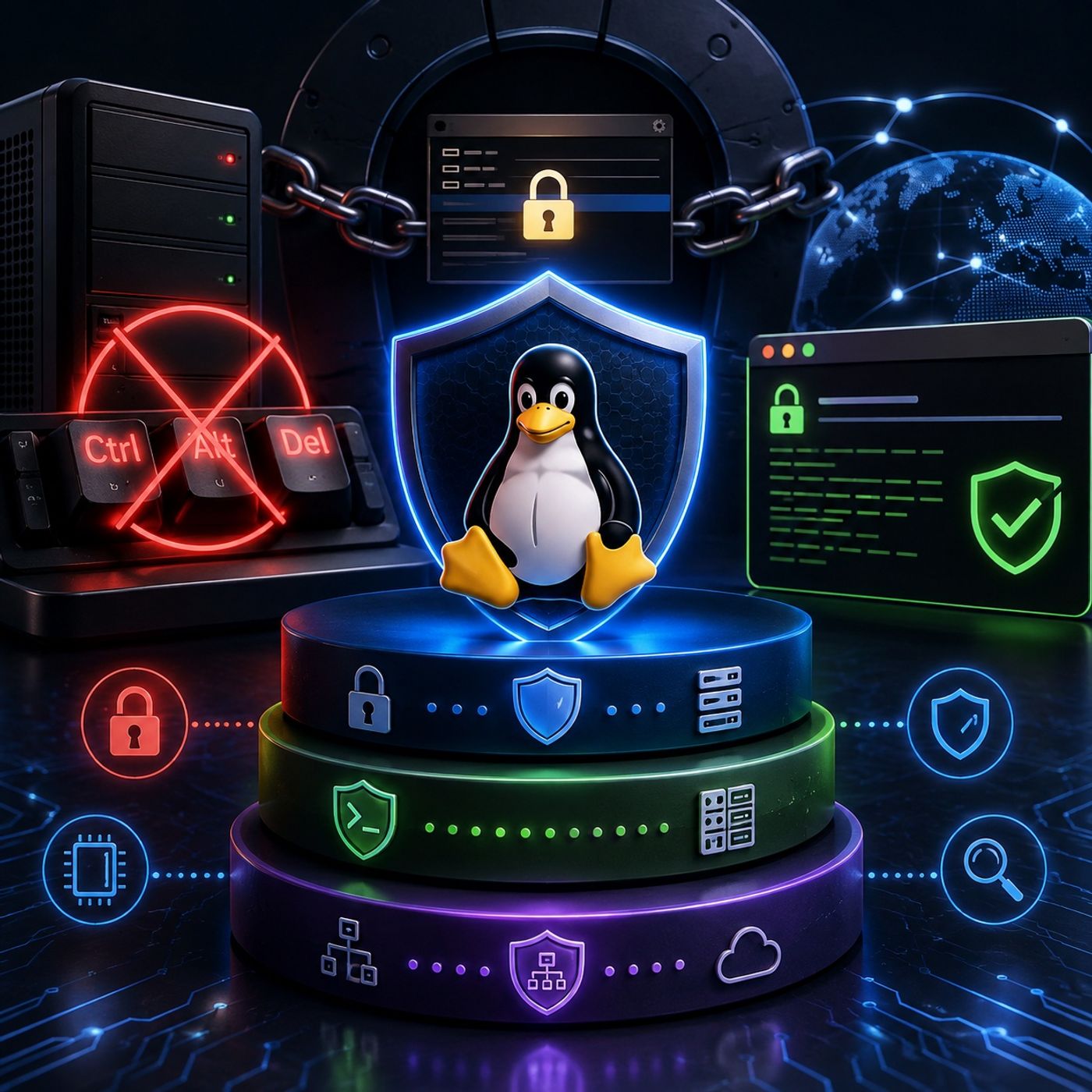
This episode explores essential Linux system-hardening techniques designed to protect both physical console access and remote administration interfaces.The lesson focuses on three practical security controls: disabling the Ctrl+Alt+Del reboot mechanism, protecting the GRUB bootloader with authentication, and configuring pre-login SSH warning banners.Together, these measures demonstrate how Linux security extends beyond file permissions and network controls. A properly hardened system must also account for physical access, boot-time manipulation, administrative boundaries, and legal access notifications.1. Protecting the Console from Unauthorized RebootsPhysical access to a server can provide an attacker with opportunities that are unavailable through normal remote access.One simple example is the Ctrl+Alt+Del keyboard sequence, which can trigger a system reboot when configured to do so.The episode demonstrates how administrators can disable this behavior to prevent unauthorized users from rebooting a server directly from the console.2. Managing Ctrl+Alt+Del Across Linux VersionsThe configuration required to disable the reboot shortcut varies depending on the Linux release and initialization system.The episode examines several approaches used across Red Hat and CentOS environments, including: Legacy Upstart-based configurations Override configuration files Modern systemd behavior systemd masking Graphical desktop environments The lesson also demonstrates how ignored reboot attempts can be logged, providing an additional audit trail for physical-access events.For systems using traditional security logging, administrators can monitor relevant activity through:/var/log/secure This illustrates an important hardening principle:Security controls should not only prevent unwanted actions; they should also provide visibility into attempted violations.3. Disabling the Shortcut with systemdModern Linux distributions commonly use systemd, which provides a centralized way to manage system services and targets.The episode demonstrates how the Ctrl+Alt+Del action can be disabled by masking the corresponding systemd target.This approach prevents the associated action from being triggered through the keyboard shortcut while allowing normal system operation to continue.The lesson also highlights the importance of understanding the initialization framework used by the target operating system before applying a hardening procedure.4. Securing the GRUB BootloaderProtecting the operating system is not enough if an attacker can manipulate the boot process.The GRUB bootloader can provide access to boot parameters and recovery options that may significantly affect system security.Without appropriate protection, someone with physical access could potentially modify boot parameters or attempt to enter privileged recovery environments.The episode therefore introduces GRUB password protection as another layer of physical security.5. Understanding GRUB AuthenticationThe lesson demonstrates the process of generating a password hash for GRUB using:grub-md5-crypt The resulting hash can then be incorporated into the GRUB configuration so that sensitive bootloader modifications require authentication.This creates an important distinction between: Normal system booting Editing or modifying bootloader configuration With appropriate configuration, authorized users can continue normal boot operations while unauthorized attempts to modify boot parameters are restricted.Modern security note: MD5-based GRUB authentication is a legacy technique associated with older GRUB configurations. Modern GRUB 2 deployments should use the stronger password mechanisms supported by the installed distribution and version.6. Defending Against Boot-Time Authentication BypassBootloader protection is particularly important because the boot process occurs before the normal operating-system security controls are fully active.An attacker with physical access may attempt to manipulate boot parameters to reach a recovery or single-user environment.Protecting GRUB therefore helps establish a security boundary between:Physical Access → Bootloader → Operating System → AuthenticationThis demonstrates why physical security and operating-system security cannot be treated as completely separate disciplines.7. Configuring Pre-Login SSH Warning BannersThe episode then moves from physical security to remote access.SSH provides powerful remote administration capabilities, but it should also communicate clear security boundaries to anyone attempting to connect.Linux SSH environments can display a pre-authentication banner using a configuration such as:/etc/issue.net The SSH daemon can be configured to present this message before the user completes authentication.8. Designing an Effective Security BannerA properly designed SSH banner should communicate that the system is restricted to authorized users.The episode emphasizes avoiding unnecessary system information in the banner.Default messages that reveal details about the operating system, distribution, version, or other infrastructure characteristics can provide attackers with useful reconnaissance information.Instead, an organization can use a concise warning that communicates: The system is restricted Access is limited to authorized users Unauthorized activity is prohibited Activity may be monitored or logged Appropriate legal and organizational policies apply The goal is to establish a clear boundary without unnecessarily exposing technical information.9. Legal and Administrative ConsiderationsPre-login banners can also serve an administrative and legal purpose by explicitly notifying users that they are accessing a restricted system.However, a banner should not be treated as a substitute for proper authorization controls, logging, monitoring, or access management.A complete remote-access security model should combine:Authentication → Authorization → Logging → Monitoring → Administrative PolicyThe banner reinforces these controls by clearly communicating the organization's access expectations before authentication occurs.10. Building a Layered Linux Hardening StrategyThe three security controls covered in this episode protect different stages of system access.Console ProtectionPrevents simple physical actions such as unauthorized keyboard-triggered reboots.Bootloader ProtectionRestricts unauthorized modification of the boot process and boot parameters.SSH Warning BannersEstablish clear administrative and legal boundaries for remote access.Together, they create a layered security model:Physical Console → Boot Process → Operating System → Remote AdministrationEach layer addresses a different attack surface.Key TakeawaysBy completing this episode, you will understand how to: Disable the Ctrl+Alt+Del reboot mechanism Adapt console-hardening techniques to different Red Hat and CentOS generations Understand legacy Upstart and modern systemd approaches Use systemd masking for service and target control Monitor relevant security events through system logs Understand why GRUB requires protection on physically accessible systems Configure authentication for sensitive bootloader modifications Recognize the limitations of legacy MD5-based GRUB authentication Configure SSH pre-login warning banners Use /etc/issue.net for remote-access notifications Remove unnecessary system information from login banners Understand the relationship between technical controls and administrative policy Build a layered Linux hardening strategy Final PerspectiveLinux hardening extends far beyond configuring file permissions or installing security updates.A secure system must consider what happens before the operating system starts, what a person with physical access can do at the console, and how remote administrators are informed and controlled when connecting through SSH.The security progression presented in this episode is:Console Protection → Bootloader Protection → Operating System Security → Remote Access Controls → Monitoring and PolicyBy combining these layers, administrators can significantly reduce the opportunities available to attackers who gain physical or remote access to Linux systems. You can listen and download our episodes for free on more than 10 different platforms: https://linktr.ee/cybercode_academy

0:00-23:26

transcript

No transcript — this publisher did not publish one.

show notes

This episode explores essential Linux system-hardening techniques designed to protect both physical console access and remote administration interfaces.The lesson focuses on three practical security controls: disabling the Ctrl+Alt+Del reboot mechanism, protecting the GRUB bootloader with authentication, and configuring pre-login SSH warning banners.Together, these measures demonstrate how Linux security extends beyond file permissions and network controls. A properly hardened system must also account for physical access, boot-time manipulation, administrative boundaries, and legal access notifications.1. Protecting the Console from Unauthorized RebootsPhysical access to a server can provide an attacker with opportunities that are unavailable through normal remote access.One simple example is the Ctrl+Alt+Del keyboard sequence, which can trigger a system reboot when configured to do so.The episode demonstrates how administrators can disable this behavior to prevent unauthorized users from rebooting a server directly from the console.2. Managing Ctrl+Alt+Del Across Linux VersionsThe configuration required to disable the reboot shortcut varies depending on the Linux release and initialization system.The episode examines several approaches used across Red Hat and CentOS environments, including:
  • Legacy Upstart-based configurations
  • Override configuration files
  • Modern systemd behavior
  • systemd masking
  • Graphical desktop environments
The lesson also demonstrates how ignored reboot attempts can be logged, providing an additional audit trail for physical-access events.For systems using traditional security logging, administrators can monitor relevant activity through:/var/log/secure This illustrates an important hardening principle:Security controls should not only prevent unwanted actions; they should also provide visibility into attempted violations.3. Disabling the Shortcut with systemdModern Linux distributions commonly use systemd, which provides a centralized way to manage system services and targets.The episode demonstrates how the Ctrl+Alt+Del action can be disabled by masking the corresponding systemd target.This approach prevents the associated action from being triggered through the keyboard shortcut while allowing normal system operation to continue.The lesson also highlights the importance of understanding the initialization framework used by the target operating system before applying a hardening procedure.4. Securing the GRUB BootloaderProtecting the operating system is not enough if an attacker can manipulate the boot process.The GRUB bootloader can provide access to boot parameters and recovery options that may significantly affect system security.Without appropriate protection, someone with physical access could potentially modify boot parameters or attempt to enter privileged recovery environments.The episode therefore introduces GRUB password protection as another layer of physical security.5. Understanding GRUB AuthenticationThe lesson demonstrates the process of generating a password hash for GRUB using:grub-md5-crypt The resulting hash can then be incorporated into the GRUB configuration so that sensitive bootloader modifications require authentication.This creates an important distinction between:
  • Normal system booting
  • Editing or modifying bootloader configuration
With appropriate configuration, authorized users can continue normal boot operations while unauthorized attempts to modify boot parameters are restricted.Modern security note: MD5-based GRUB authentication is a legacy technique associated with older GRUB configurations. Modern GRUB 2 deployments should use the stronger password mechanisms supported by the installed distribution and version.6. Defending Against Boot-Time Authentication BypassBootloader protection is particularly important because the boot process occurs before the normal operating-system security controls are fully active.An attacker with physical access may attempt to manipulate boot parameters to reach a recovery or single-user environment.Protecting GRUB therefore helps establish a security boundary between:Physical Access → Bootloader → Operating System → AuthenticationThis demonstrates why physical security and operating-system security cannot be treated as completely separate disciplines.7. Configuring Pre-Login SSH Warning BannersThe episode then moves from physical security to remote access.SSH provides powerful remote administration capabilities, but it should also communicate clear security boundaries to anyone attempting to connect.Linux SSH environments can display a pre-authentication banner using a configuration such as:/etc/issue.net The SSH daemon can be configured to present this message before the user completes authentication.8. Designing an Effective Security BannerA properly designed SSH banner should communicate that the system is restricted to authorized users.The episode emphasizes avoiding unnecessary system information in the banner.Default messages that reveal details about the operating system, distribution, version, or other infrastructure characteristics can provide attackers with useful reconnaissance information.Instead, an organization can use a concise warning that communicates:
  • The system is restricted
  • Access is limited to authorized users
  • Unauthorized activity is prohibited
  • Activity may be monitored or logged
  • Appropriate legal and organizational policies apply
The goal is to establish a clear boundary without unnecessarily exposing technical information.9. Legal and Administrative ConsiderationsPre-login banners can also serve an administrative and legal purpose by explicitly notifying users that they are accessing a restricted system.However, a banner should not be treated as a substitute for proper authorization controls, logging, monitoring, or access management.A complete remote-access security model should combine:Authentication → Authorization → Logging → Monitoring → Administrative PolicyThe banner reinforces these controls by clearly communicating the organization's access expectations before authentication occurs.10. Building a Layered Linux Hardening StrategyThe three security controls covered in this episode protect different stages of system access.Console ProtectionPrevents simple physical actions such as unauthorized keyboard-triggered reboots.Bootloader ProtectionRestricts unauthorized modification of the boot process and boot parameters.SSH Warning BannersEstablish clear administrative and legal boundaries for remote access.Together, they create a layered security model:Physical Console → Boot Process → Operating System → Remote AdministrationEach layer addresses a different attack surface.Key TakeawaysBy completing this episode, you will understand how to:
  • Disable the Ctrl+Alt+Del reboot mechanism
  • Adapt console-hardening techniques to different Red Hat and CentOS generations
  • Understand legacy Upstart and modern systemd approaches
  • Use systemd masking for service and target control
  • Monitor relevant security events through system logs
  • Understand why GRUB requires protection on physically accessible systems
  • Configure authentication for sensitive bootloader modifications
  • Recognize the limitations of legacy MD5-based GRUB authentication
  • Configure SSH pre-login warning banners
  • Use /etc/issue.net for remote-access notifications
  • Remove unnecessary system information from login banners
  • Understand the relationship between technical controls and administrative policy
  • Build a layered Linux hardening strategy
Final PerspectiveLinux hardening extends far beyond configuring file permissions or installing security updates.A secure system must consider what happens before the operating system starts, what a person with physical access can do at the console, and how remote administrators are informed and controlled when connecting through SSH.The security progression presented in this episode is:Console Protection → Bootloader Protection → Operating System Security → Remote Access Controls → Monitoring and PolicyBy combining these layers, administrators can significantly reduce the opportunities available to attackers who gain physical or remote access to Linux systems.

You can listen and download our episodes for free on more than 10 different platforms:
https://linktr.ee/cybercode_academy
links1