Skip to content
Artwork for CyberCode Academy
CyberCode Academy · Friday · 25 min

Course 44 - RH Security Specialist | Episode 5: Mastering Linux Permissions

Advanced Linux administration requires a deeper understanding of both filesystem behavior and Unix permission mechanisms. In this episode, we explore the powerful capabilities of the XFS filesystem and examine special permission mechanisms that can significantly influence how users and applications interact with the operating system.We begin with XFS administration, focusing on filesystem mount options, auditing precision, storage quotas, SSD optimization, and large-volume performance. We then transition into SUID (Set User ID) and SGID (Set Group ID), exploring how these special permissions affect executable files and shared directories.Through practical examples and command-line exercises, this episode demonstrates how seemingly small filesystem and permission settings can have major consequences for security, performance, and multi-user system administration.1. Exploring the XFS File SystemWe begin by examining the architecture and administrative characteristics of XFS, a filesystem widely associated with enterprise Linux environments.The discussion focuses on why XFS became an important default filesystem choice in Red Hat Enterprise Linux 7 and how its design supports large-scale storage and demanding workloads.Key topics include: XFS filesystem characteristics. Large-volume scalability. Filesystem mount configuration. Performance-oriented filesystem options. Security and integrity considerations. Understanding these fundamentals provides the foundation for configuring XFS appropriately for different enterprise workloads.2. Advanced XFS Mount OptionsWe then examine several important XFS mount options and how they influence filesystem behavior.Extended AttributesExtended attributes allow additional metadata to be associated with filesystem objects.We explore their role in modern Linux security and application functionality, including their relationship with security frameworks and access-control mechanisms.Subsecond TimestampsPrecise timestamps can be important for auditing and forensic analysis.We examine filesystem timestamp behavior and how subsecond timestamp precision can provide more detailed information when tracking changes to files and system activity.Write BarriersWrite barriers help maintain filesystem consistency by coordinating how data reaches persistent storage.We examine why write ordering matters and how barrier-related configuration must be considered carefully when balancing performance against data-integrity requirements.3. Managing Disk Space with XFS QuotasStorage management becomes increasingly important as enterprise systems grow.We introduce XFS quotas as a mechanism for controlling and monitoring filesystem resource consumption.The episode explores: User and group storage limits. Preventing individual accounts from consuming excessive disk space. Monitoring filesystem usage. The relationship between quotas and multi-user environments. Quotas provide administrators with an additional layer of resource governance and help prevent uncontrolled storage consumption from affecting other users or services.4. SSD and Virtual Storage OptimizationModern Linux systems frequently rely on SSDs, virtual disks, and thin-provisioned storage.We examine discard functionality and its relationship with storage devices and virtualized environments.Discard operations can communicate that previously used storage blocks are no longer required, allowing compatible storage systems to reclaim that capacity.The discussion emphasizes the importance of understanding the underlying storage architecture before enabling performance or space-reclamation options.5. Optimizing Large XFS Volumes with inode64As storage systems grow into multi-terabyte configurations, filesystem metadata placement can become an important performance consideration.We examine the inode64 mount option and its role in large XFS filesystems.The option is particularly relevant when working with large storage devices where inode allocation and filesystem metadata placement can affect access patterns and performance.This section demonstrates how filesystem configuration becomes increasingly important as storage capacity scales.6. Understanding SUID PermissionsThe second major section of the episode focuses on SUID (Set User ID).SUID is a special Unix permission associated primarily with executable files. When an appropriately configured executable is launched, the process can operate with the effective user identity associated with the file rather than simply the identity of the user who launched it.This mechanism is essential to understanding how certain Linux utilities perform privileged operations.We examine familiar examples such as: passwd ping These examples demonstrate why some programs require carefully controlled privilege behavior.7. Configuring SUID with chmodWe then examine how SUID permissions are represented and configured.The episode covers: Symbolic permission notation. Octal permission notation. Using chmod to manage special permissions. Understanding the SUID indicator in filesystem permissions. Inspecting executables to determine whether SUID is enabled. This provides a practical understanding of how special permissions are represented within the standard Linux permission model.8. Observing Effective User IdentityTo better understand SUID behavior, we move beyond theory and examine how processes distinguish between different user identities.Using controlled C programming exercises, we demonstrate how a program can inspect its active user context and observe the distinction between the account launching a process and the identity under which privileged operations are performed.This practical exercise helps clarify the relationship between:Real User Identity → Effective User Identity → Process PrivilegesUnderstanding this distinction is essential for both Linux administration and security auditing.9. Auditing SUID ProgramsSUID programs require careful security management because an incorrectly configured privileged executable can increase the system's attack surface.We examine how administrators can search the filesystem for SUID-enabled programs using the find utility.The objective is to establish an auditing workflow that can identify: Unexpected SUID executables. Unnecessary privileged programs. Changes to the privileged executable inventory. Potential areas requiring further security review. Regular auditing helps administrators maintain visibility over special permissions across the system.10. Understanding SGID on DirectoriesThe final section focuses on SGID (Set Group ID) and its particularly useful behavior when applied to directories.Unlike SUID on executables, SGID on a directory can influence the group ownership inherited by newly created files and subdirectories.When SGID is enabled on a shared directory, newly created objects can inherit the directory's group rather than simply receiving the creator's primary group.This provides a powerful mechanism for managing collaborative environments.11. SGID for Multi-User CollaborationWe examine how SGID directories can simplify group-based access control.A properly configured shared directory can ensure that multiple members of a team consistently work with the same group ownership model.This is particularly useful for: Shared project directories. Development environments. Team collaboration. Controlled administrative workspaces. Group-based filesystem permissions. The result is a more predictable permission structure without requiring administrators to manually correct group ownership after every file creation.12. Building a Linux Permission-Auditing WorkflowThe concepts covered throughout the episode can be combined into a practical administration and security workflow:Identify Special Permissions → Inspect SUID Programs → Review Privileged Executables → Audit Filesystem Permissions → Configure SGID Collaboration Areas → Monitor ChangesThis workflow helps administrators maintain control over special permission mechanisms while reducing unnecessary privilege exposure.Key TakeawaysBy the end of this episode, you will understand: The core characteristics of the XFS filesystem. Why XFS is widely used in enterprise Linux environments. The purpose of XFS extended attributes. The importance of precise filesystem timestamps for auditing. How write barriers contribute to filesystem integrity. How XFS quotas help control storage consumption. The role of discard operations in SSD and virtualized storage environments. How inode64 relates to large XFS filesystems. What SUID means and how it affects executable permissions. How to configure SUID using symbolic and octal chmod notation. The distinction between real and effective user identities. How to audit SUID-enabled programs with find. What SGID means when applied to directories. How SGID directories support consistent group ownership. How special permissions fit into a broader Linux security-auditing strategy. Final PerspectiveXFS administration and Unix special permissions may appear to be separate topics, but both demonstrate the same fundamental principle of Linux administration: small configuration dec You can listen and download our episodes for free on more than 10 different platforms: https://linktr.ee/cybercode_academy

0:00-25:31

transcript

No transcript — this publisher did not publish one.

show notes

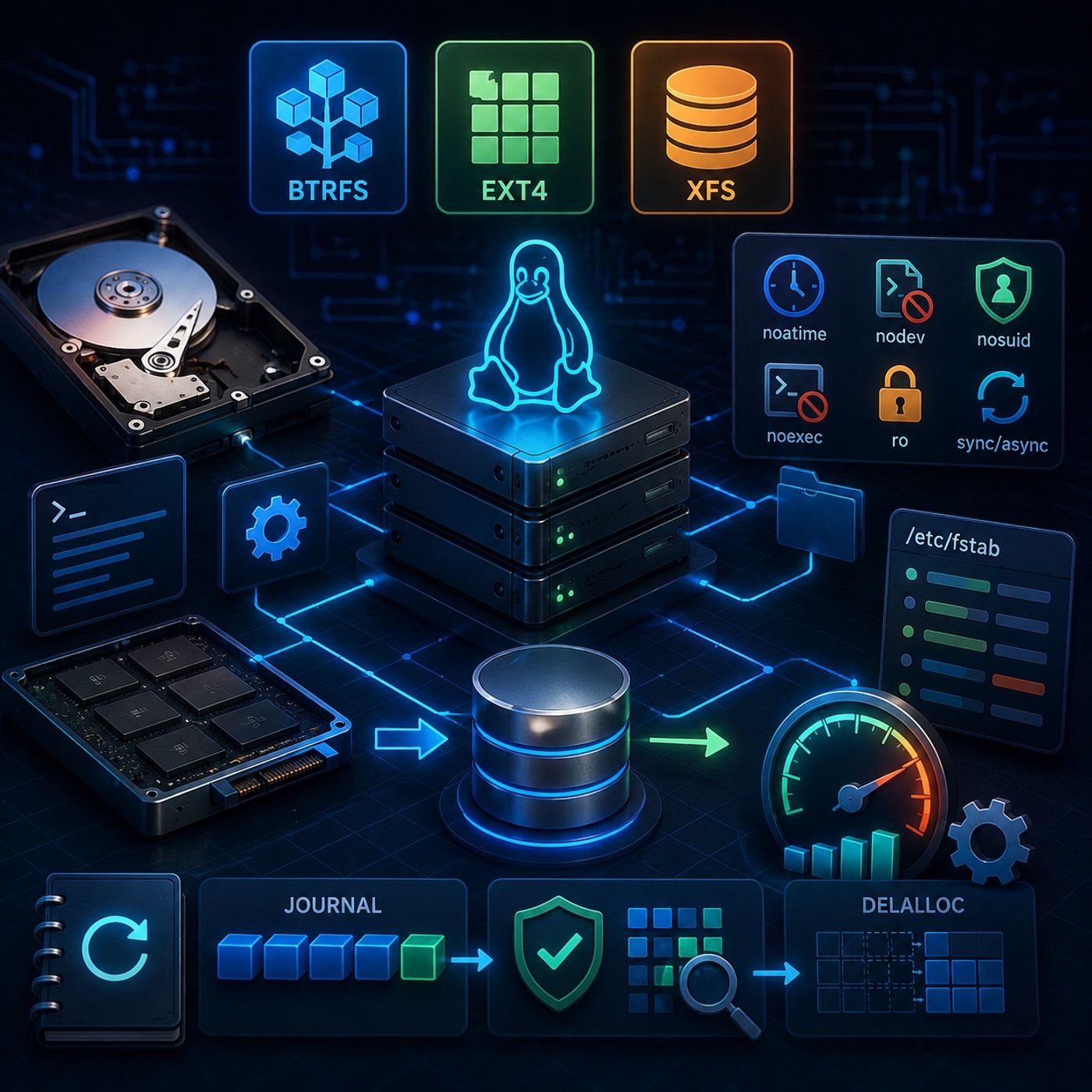
Advanced Linux administration requires a deeper understanding of both filesystem behavior and Unix permission mechanisms. In this episode, we explore the powerful capabilities of the XFS filesystem and examine special permission mechanisms that can significantly influence how users and applications interact with the operating system.We begin with XFS administration, focusing on filesystem mount options, auditing precision, storage quotas, SSD optimization, and large-volume performance. We then transition into SUID (Set User ID) and SGID (Set Group ID), exploring how these special permissions affect executable files and shared directories.Through practical examples and command-line exercises, this episode demonstrates how seemingly small filesystem and permission settings can have major consequences for security, performance, and multi-user system administration.1. Exploring the XFS File SystemWe begin by examining the architecture and administrative characteristics of XFS, a filesystem widely associated with enterprise Linux environments.The discussion focuses on why XFS became an important default filesystem choice in Red Hat Enterprise Linux 7 and how its design supports large-scale storage and demanding workloads.Key topics include:
  • XFS filesystem characteristics.
  • Large-volume scalability.
  • Filesystem mount configuration.
  • Performance-oriented filesystem options.
  • Security and integrity considerations.
Understanding these fundamentals provides the foundation for configuring XFS appropriately for different enterprise workloads.2. Advanced XFS Mount OptionsWe then examine several important XFS mount options and how they influence filesystem behavior.Extended AttributesExtended attributes allow additional metadata to be associated with filesystem objects.We explore their role in modern Linux security and application functionality, including their relationship with security frameworks and access-control mechanisms.Subsecond TimestampsPrecise timestamps can be important for auditing and forensic analysis.We examine filesystem timestamp behavior and how subsecond timestamp precision can provide more detailed information when tracking changes to files and system activity.Write BarriersWrite barriers help maintain filesystem consistency by coordinating how data reaches persistent storage.We examine why write ordering matters and how barrier-related configuration must be considered carefully when balancing performance against data-integrity requirements.3. Managing Disk Space with XFS QuotasStorage management becomes increasingly important as enterprise systems grow.We introduce XFS quotas as a mechanism for controlling and monitoring filesystem resource consumption.The episode explores:
  • User and group storage limits.
  • Preventing individual accounts from consuming excessive disk space.
  • Monitoring filesystem usage.
  • The relationship between quotas and multi-user environments.
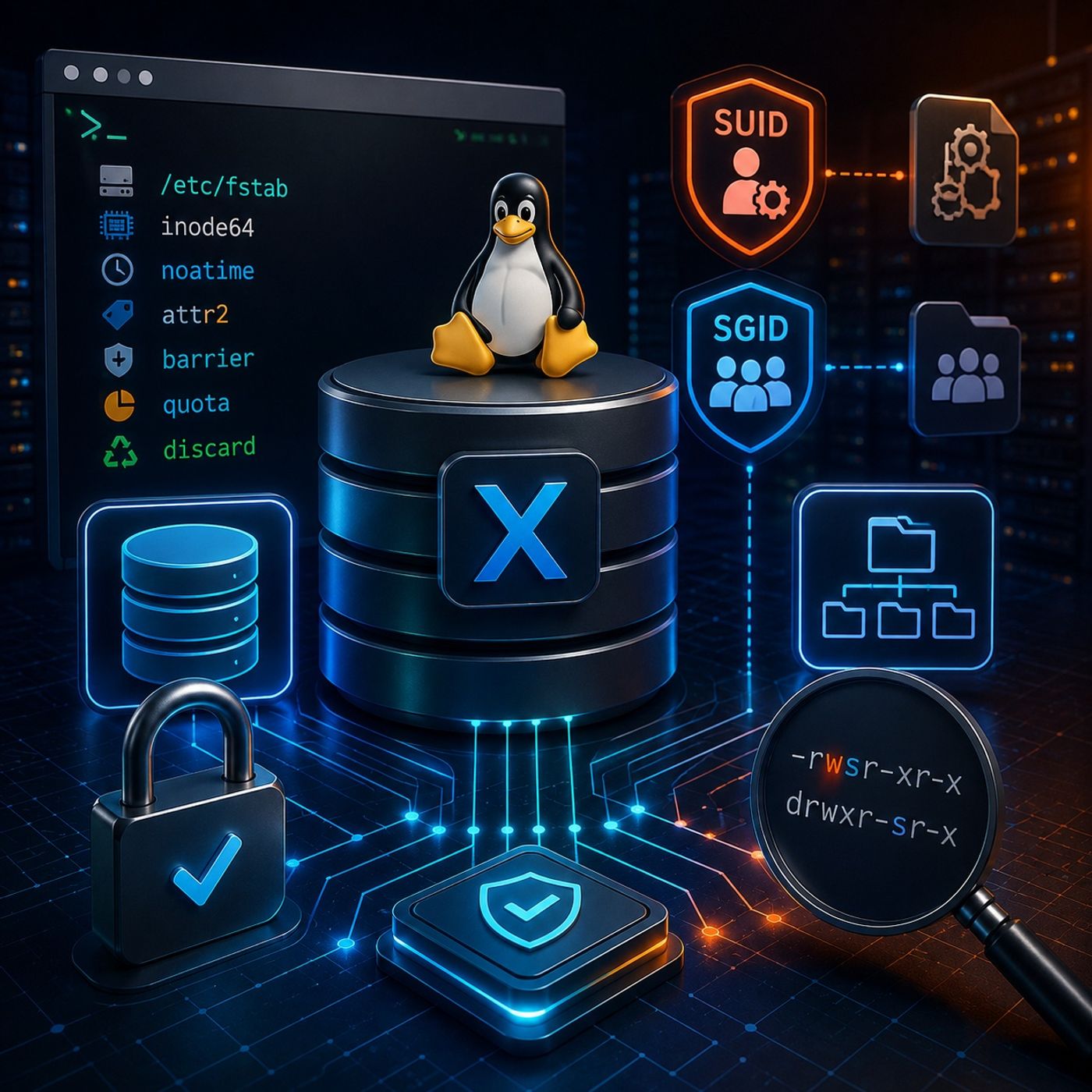
Quotas provide administrators with an additional layer of resource governance and help prevent uncontrolled storage consumption from affecting other users or services.4. SSD and Virtual Storage OptimizationModern Linux systems frequently rely on SSDs, virtual disks, and thin-provisioned storage.We examine discard functionality and its relationship with storage devices and virtualized environments.Discard operations can communicate that previously used storage blocks are no longer required, allowing compatible storage systems to reclaim that capacity.The discussion emphasizes the importance of understanding the underlying storage architecture before enabling performance or space-reclamation options.5. Optimizing Large XFS Volumes with inode64As storage systems grow into multi-terabyte configurations, filesystem metadata placement can become an important performance consideration.We examine the inode64 mount option and its role in large XFS filesystems.The option is particularly relevant when working with large storage devices where inode allocation and filesystem metadata placement can affect access patterns and performance.This section demonstrates how filesystem configuration becomes increasingly important as storage capacity scales.6. Understanding SUID PermissionsThe second major section of the episode focuses on SUID (Set User ID).SUID is a special Unix permission associated primarily with executable files. When an appropriately configured executable is launched, the process can operate with the effective user identity associated with the file rather than simply the identity of the user who launched it.This mechanism is essential to understanding how certain Linux utilities perform privileged operations.We examine familiar examples such as:
  • passwd
  • ping
These examples demonstrate why some programs require carefully controlled privilege behavior.7. Configuring SUID with chmodWe then examine how SUID permissions are represented and configured.The episode covers:
  • Symbolic permission notation.
  • Octal permission notation.
  • Using chmod to manage special permissions.
  • Understanding the SUID indicator in filesystem permissions.
  • Inspecting executables to determine whether SUID is enabled.
This provides a practical understanding of how special permissions are represented within the standard Linux permission model.8. Observing Effective User IdentityTo better understand SUID behavior, we move beyond theory and examine how processes distinguish between different user identities.Using controlled C programming exercises, we demonstrate how a program can inspect its active user context and observe the distinction between the account launching a process and the identity under which privileged operations are performed.This practical exercise helps clarify the relationship between:Real User Identity → Effective User Identity → Process PrivilegesUnderstanding this distinction is essential for both Linux administration and security auditing.9. Auditing SUID ProgramsSUID programs require careful security management because an incorrectly configured privileged executable can increase the system's attack surface.We examine how administrators can search the filesystem for SUID-enabled programs using the find utility.The objective is to establish an auditing workflow that can identify:
  • Unexpected SUID executables.
  • Unnecessary privileged programs.
  • Changes to the privileged executable inventory.
  • Potential areas requiring further security review.
Regular auditing helps administrators maintain visibility over special permissions across the system.10. Understanding SGID on DirectoriesThe final section focuses on SGID (Set Group ID) and its particularly useful behavior when applied to directories.Unlike SUID on executables, SGID on a directory can influence the group ownership inherited by newly created files and subdirectories.When SGID is enabled on a shared directory, newly created objects can inherit the directory's group rather than simply receiving the creator's primary group.This provides a powerful mechanism for managing collaborative environments.11. SGID for Multi-User CollaborationWe examine how SGID directories can simplify group-based access control.A properly configured shared directory can ensure that multiple members of a team consistently work with the same group ownership model.This is particularly useful for:
  • Shared project directories.
  • Development environments.
  • Team collaboration.
  • Controlled administrative workspaces.
  • Group-based filesystem permissions.
The result is a more predictable permission structure without requiring administrators to manually correct group ownership after every file creation.12. Building a Linux Permission-Auditing WorkflowThe concepts covered throughout the episode can be combined into a practical administration and security workflow:Identify Special Permissions → Inspect SUID Programs → Review Privileged Executables → Audit Filesystem Permissions → Configure SGID Collaboration Areas → Monitor ChangesThis workflow helps administrators maintain control over special permission mechanisms while reducing unnecessary privilege exposure.Key TakeawaysBy the end of this episode, you will understand:
  • The core characteristics of the XFS filesystem.
  • Why XFS is widely used in enterprise Linux environments.
  • The purpose of XFS extended attributes.
  • The importance of precise filesystem timestamps for auditing.
  • How write barriers contribute to filesystem integrity.
  • How XFS quotas help control storage consumption.
  • The role of discard operations in SSD and virtualized storage environments.
  • How inode64 relates to large XFS filesystems.
  • What SUID means and how it affects executable permissions.
  • How to configure SUID using symbolic and octal chmod notation.
  • The distinction between real and effective user identities.
  • How to audit SUID-enabled programs with find.
  • What SGID means when applied to directories.
  • How SGID directories support consistent group ownership.
  • How special permissions fit into a broader Linux security-auditing strategy.
Final PerspectiveXFS administration and Unix special permissions may appear to be separate topics, but both demonstrate the same fundamental principle of Linux administration: small configuration dec

You can listen and download our episodes for free on more than 10 different platforms:
https://linktr.ee/cybercode_academy
links1