CyberCode Academy · Yesterday · 19 min
Course 43 - Practical Malware Development | Episode 2: Building Your Dual-OS Dev Labs
0:00-19:44
transcript
show notes
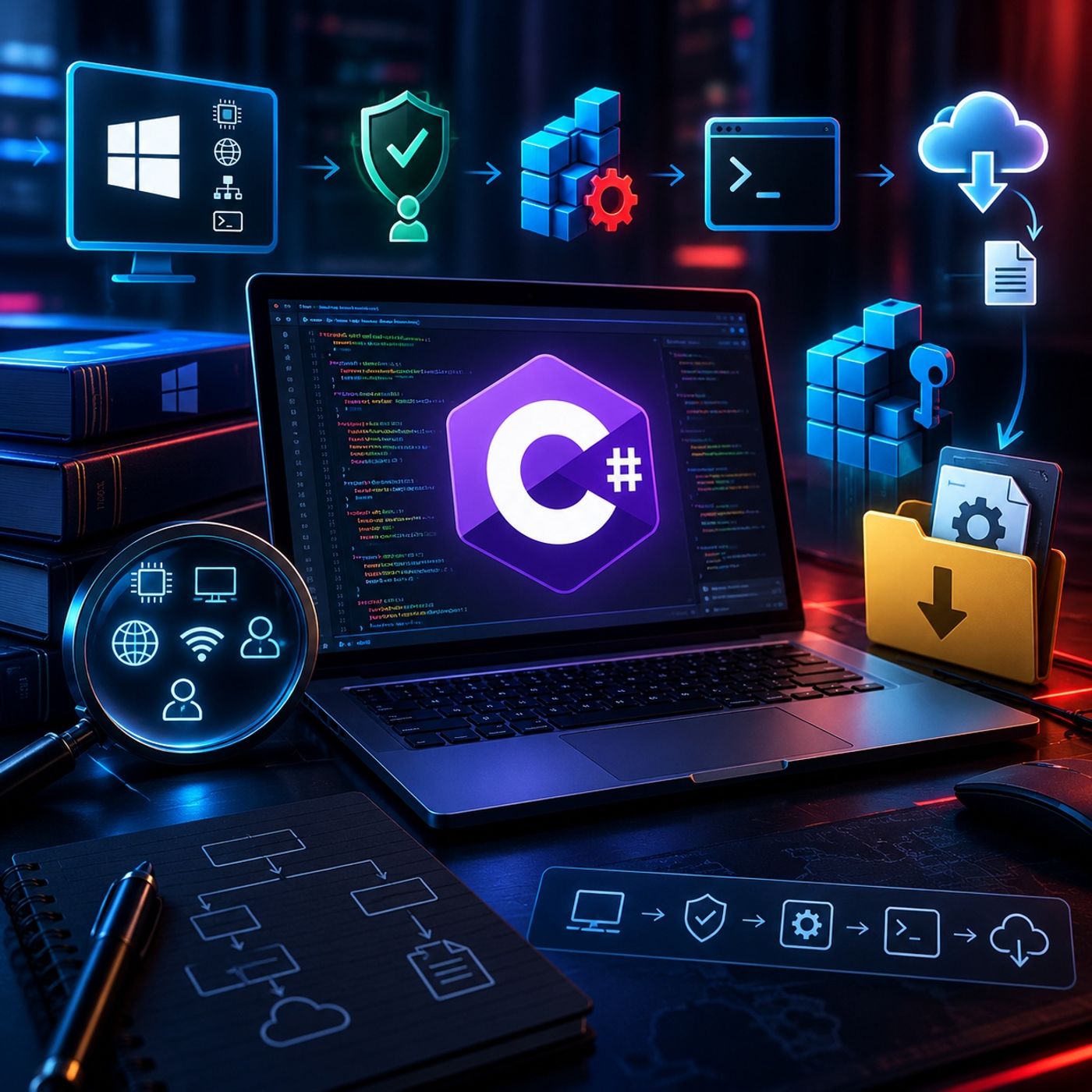
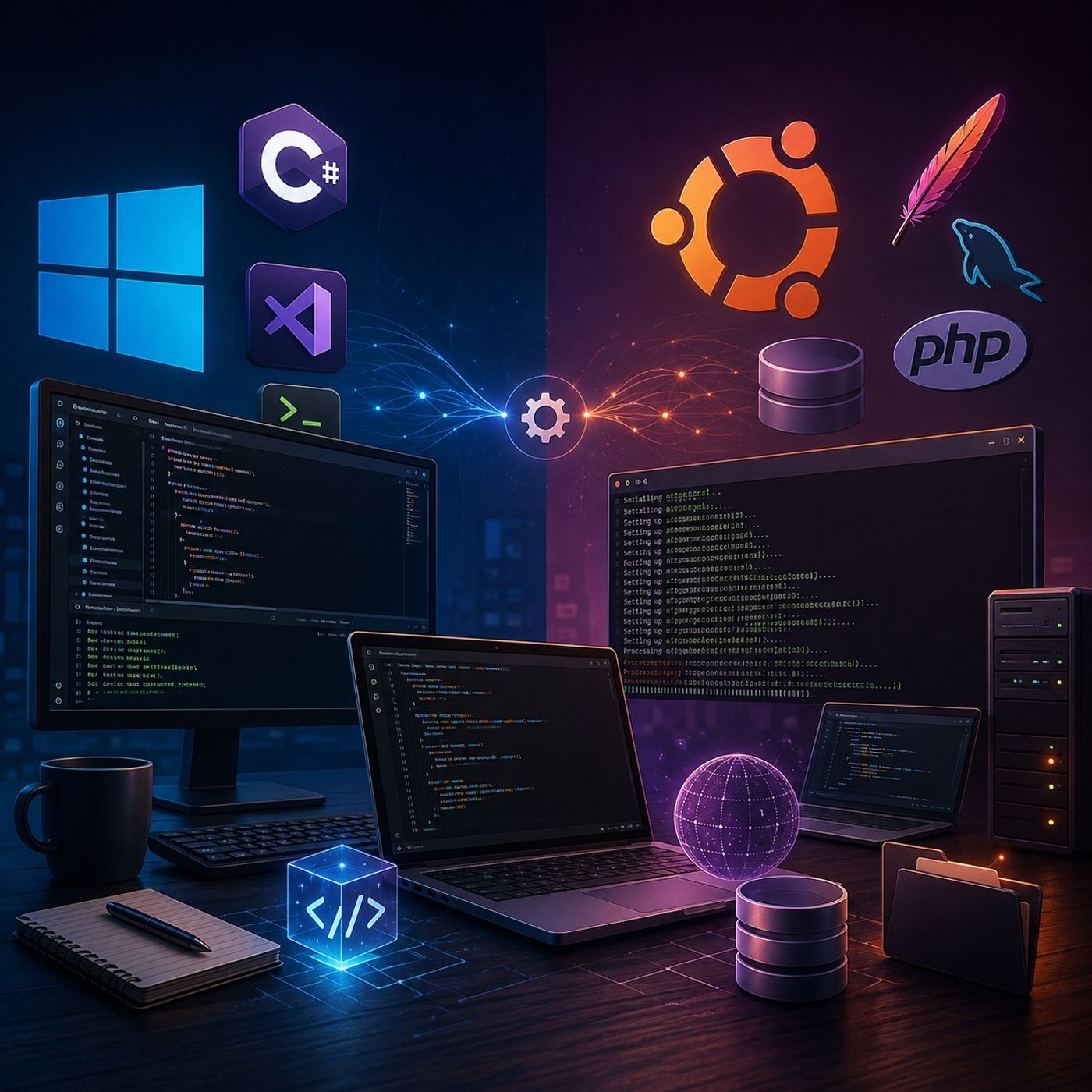
This episode establishes the essential development foundations across Windows and Linux, preparing the workspace for advanced scripting, application development, and future security-focused projects.The episode takes a practical, hands-on approach, configuring a Windows development environment and then building a complete local web and database stack on Ubuntu.1. Configuring the Windows Development EnvironmentThe first part of the episode focuses on preparing Windows for C# and .NET development.The setup includes:
You can listen and download our episodes for free on more than 10 different platforms:
https://linktr.ee/cybercode_academy
- Installing .NET Core
- Installing Visual Studio Code (VS Code)
- Installing the C# extension for VS Code
- Creating a dedicated project directory named "Red team develop"
- Initializing a new console application
- Using the integrated VS Code terminal
- Compiling and running a simple "Hello World" application
- Verifying that the complete development toolchain is functioning correctly
- Apache — Web server
- MySQL — Database server
- PHP 7.2 — Server-side programming environment
- PHP database extensions
- PHP multibyte string extensions
- Atom — Code editor
- Checking the Apache service
- Checking the MySQL service
- Confirming that services are running in the background
- Troubleshooting installation or service-related issues
- Ensuring that the local development stack is ready for application development
- .NET Core
- Visual Studio Code
- C# development support
- Dedicated application project directory
- Verified console application
- Apache web server
- MySQL database server
- PHP
- Required PHP extensions
- Atom code editor
- Verified background services
- Set up a functional C#/.NET development environment
- Create and execute a basic console application using VS Code
- Install development packages on Ubuntu
- Configure an Apache + MySQL + PHP stack
- Verify Linux services and their background operation
- Install and configure a Linux-based code editor
- Prepare a cross-platform workspace for future development and security exercises
You can listen and download our episodes for free on more than 10 different platforms:
https://linktr.ee/cybercode_academy
links1