Skip to content
Artwork for Computer Learning Zone

Computer Learning Zone

Richard Rost

Richard Rost is a Microsoft MVP and President/CEO of Computer Learning Zone. He creates video tutorials to teach you how to use your computer, specializing in Microsoft Access.

Play
  • 22 episodes
  • Avg 20 min
  • English
Counted on this page — what you have heard stays on this device, so it is not something the list can be paged by.
  • July 2 · 19 min

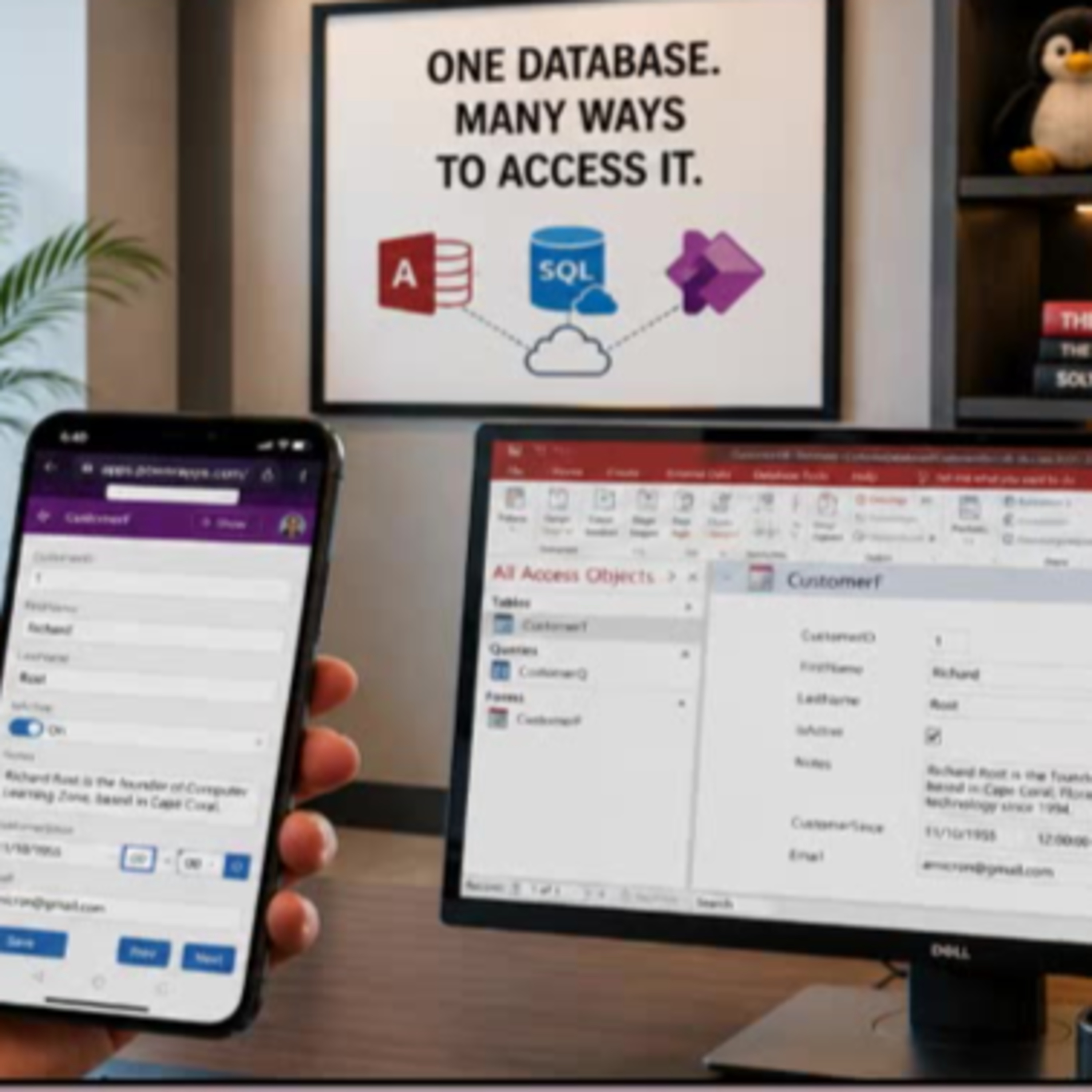
    Bringing Microsoft Access Data to Mobile with Power Apps and SQL Server

    Wish you could use your Microsoft Access data on your phone without overhauling your whole system? In this episode, Access instructor Richard Rost walks you through how to easily build a mobile-friendly front end for your existing Access database using Microsoft Power Apps and SQL Server. We talk about why moving your Access tables to SQL Server is the key to unlocking flexible, multi-platform access, and dive into practical options for working with your data remotely. Richard breaks down the differences between solutions like SharePoint, Dataverse, and SQL Server, and explains why SQL Server is his top pick for most Access users who want future-proof flexibility. If you have ever wanted to give your users secure mobile or web access to Access data without abandoning your trusty Access desktop front end, this episode is for you. Learn what Power Apps is good for, when it makes sense, licensing pitfalls to be aware of, and the mindset shifts for Access developers stepping into the world of low-code app building. Ideal for Access power users, small business IT, and anyone curious about bringing legacy desktop data to the modern mobile era.

  • June 30 · 17 min

    Keeping Microsoft Access Mission Critical: How to Safeguard Your PC from Risky Updates

    If your business relies on Microsoft Access databases to keep things running smoothly, you cannot afford unexpected disruptions from Office updates. In this episode, Richard Rost from Access Learning Zone breaks down a recent update snafu that left many Access users scratching their heads - and potentially volunteering as guinea pigs for Microsoft without realizing it. Find out why some seemingly stable machines suddenly get risky release candidate builds, and what that means for your organization. We talk through the pros and cons of each Microsoft 365 update channel, with practical advice about which one to choose when stability is more important than the latest features. Learn the best strategies for keeping your database - and your business - safe, from smart backup habits to choosing when (and how) updates happen. If you have ever wondered what IT pros do to avoid disaster on patch day, or whether you should trust automatic updates on your daily driver, this episode is for you. Whether you manage Access at a small business or depend on it for critical operations, these tips can keep you ahead of trouble and in control.

Showing 21–22 of 22 episodes