Computer Learning Zone · July 28 · 2 min
Microsoft Access Basics Quiz: Tables, Orders, Forms, and Reports
0:00-2:40
transcript
show notes
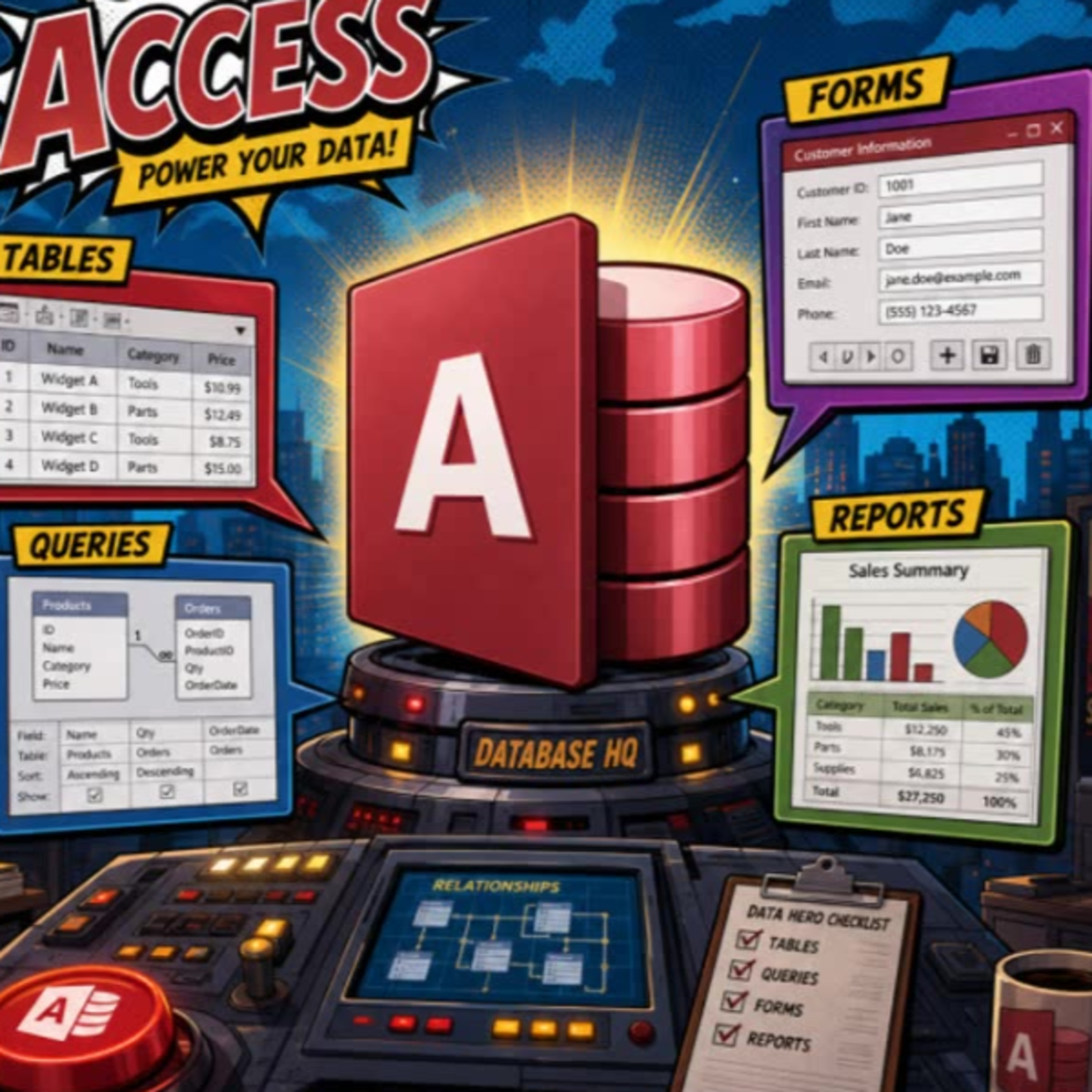
Test your Microsoft Access fundamentals with five beginner-friendly questions covering the building blocks of a well-designed database.
Learn why tables store data, why customer orders belong in a separate orders table, and why splitting first and last names can make sorting, filtering, and personalized letters much easier. The quiz also clears up the practical difference between forms for on-screen data entry and reports for printed output like invoices and labels.
A quick, useful refresher for new Access users who want to avoid common database design mistakes.