Skip to content
Artwork for Computer Learning Zone
Computer Learning Zone · August 5 · 23 min

Calculating Overlapping Date Ranges in Microsoft Access

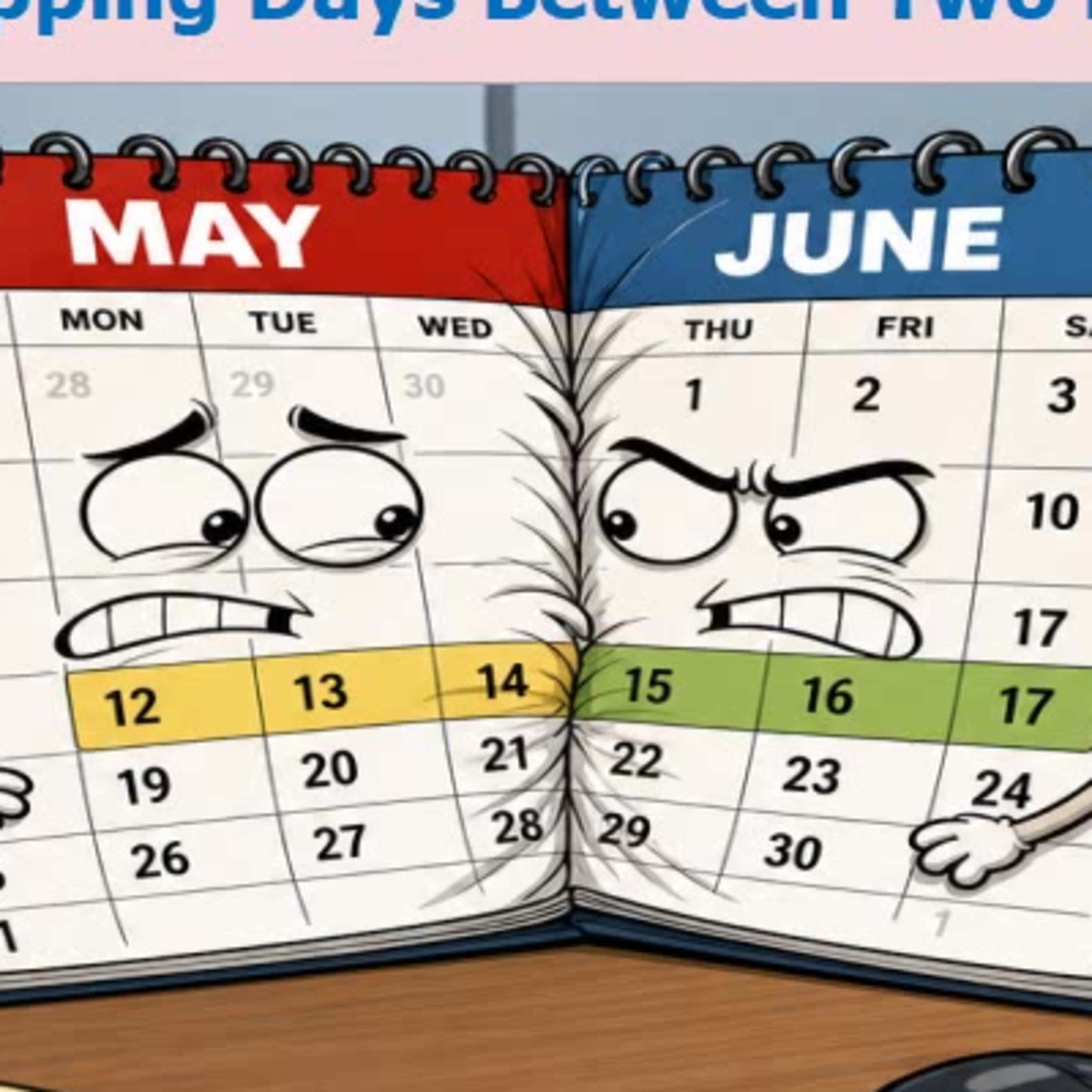
Need to know how many calendar days two date ranges have in common? This episode covers a simple, reusable VBA approach for Microsoft Access that works whether ranges partially overlap, one contains the other, or they do not overlap at all. The key is to identify the later start date and earlier end date, then handle the important no-overlap check before calculating the result. Richard also discusses the often-missed difference between inclusive dates and date ranges where the ending day is not counted. Along the way, hear about a real copy-and-paste bug involving the comparison operator, why date math can be simpler than DateDiff for day counts, and practical uses for reservations, rentals, payroll periods, warranties, subscriptions, and utility bill splitting.

0:00-23:33

transcript

No transcript — this publisher did not publish one.

show notes

Need to know how many calendar days two date ranges have in common? This episode covers a simple, reusable VBA approach for Microsoft Access that works whether ranges partially overlap, one contains the other, or they do not overlap at all.

The key is to identify the later start date and earlier end date, then handle the important no-overlap check before calculating the result. Richard also discusses the often-missed difference between inclusive dates and date ranges where the ending day is not counted.

Along the way, hear about a real copy-and-paste bug involving the comparison operator, why date math can be simpler than DateDiff for day counts, and practical uses for reservations, rentals, payroll periods, warranties, subscriptions, and utility bill splitting.