Skip to content
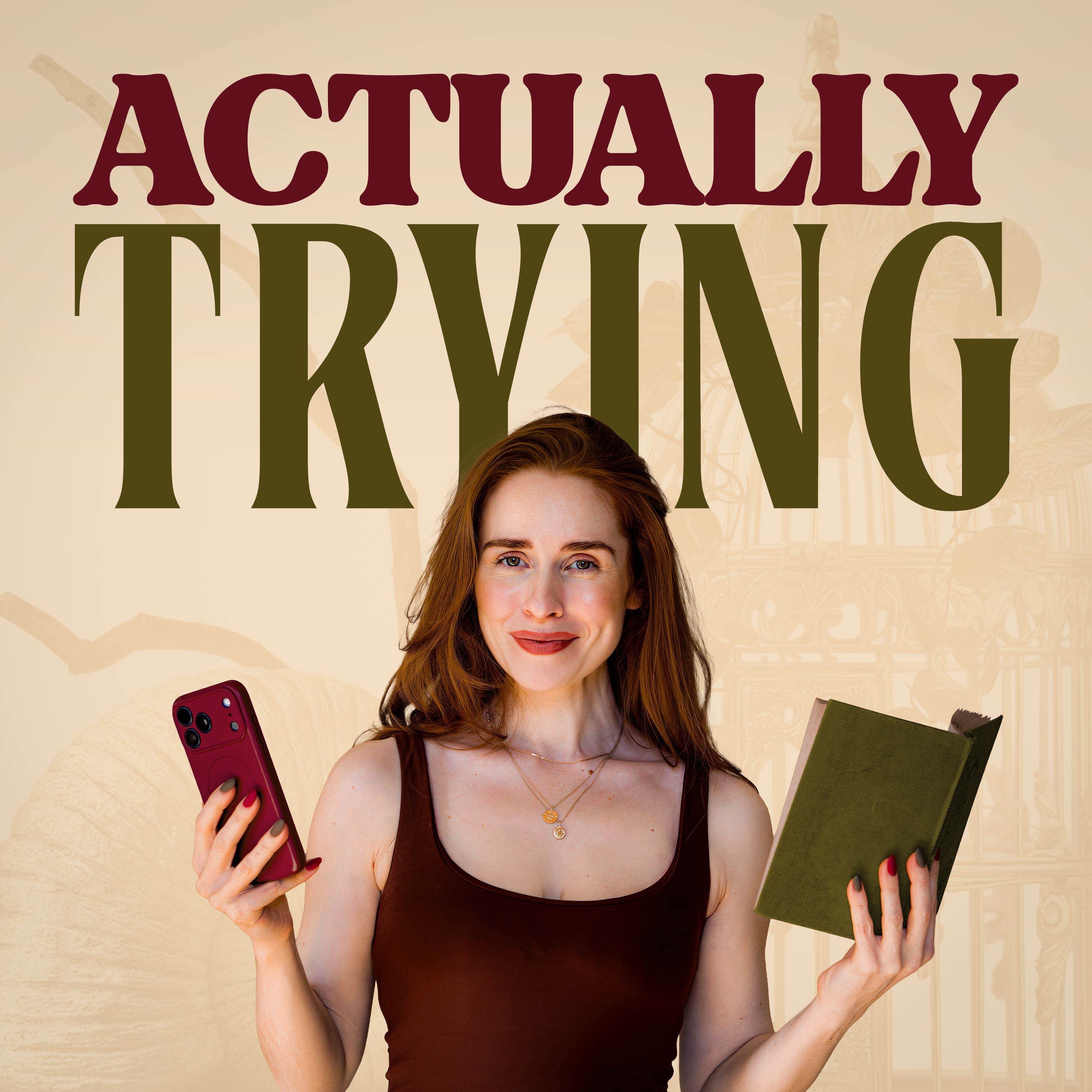
Artwork for Actually Trying
Actually Trying · March 2 · 19 min

How to Cut Your Doomscrolling in Half (Apparently)

If your screen time is creeping up… If your phone feels impossible to put down… If the real world is starting to look a bit dull by comparison… This week I’m testing a free, surprisingly simple method that claims to reduce doomscrolling fast. No apps. No discipline hacks. No expensive “digital detox” retreats. Just one setting change. In this episode we discuss: How color and contrast hijack your dopamine system Why overstimulation can make the real world feel flat The “gray scale” method and how to set it up And why I realised I needed to fix this — urgently I’m committing to a full week of gray scale to see if it genuinely reduces screen time. If you try it too, let me know what happens. The Instructions To enable grayscale on an iPhone, navigate to Settings > Accessibility > Display & Text Size > Color Filters, then toggle "Color Filters" on and select "Grayscale" To turn on grayscale on Android, go to Settings > Digital Wellbeing & parental controls > Bedtime mode and enable "Grayscale" 📲 DM me on Instagram: @rosehoneymorgan @field.notes.pod I’ll report back with the results. ⭐ If this episode helps: Follow the show, leave a review, or send it to the friend who says “I don’t go on my phone that much” but somehow knows every trend Follow along to see me desperately trying in real time on: Instagram: https://www.instagram.com/rosehoneymorgan/ For podcast clips and BTS stories: https://www.instagram.com/actuallytryingpod Youtube: www.youtube.com/@rose.honey.morgan For brand enquiries: rhm@intertalentgroup.com ***DM me with your Guru & Granny questions on Instagram*** Hosted on Acast. See acast.com/privacy for more information.

0:00-19:57

transcript

No transcript — this publisher did not publish one.

show notes

If your screen time is creeping up…

If your phone feels impossible to put down…

If the real world is starting to look a bit dull by comparison…


This week I’m testing a free, surprisingly simple method that claims to reduce doomscrolling fast.


No apps.

No discipline hacks.

No expensive “digital detox” retreats.


Just one setting change.


In this episode we discuss:


  • How color and contrast hijack your dopamine system
  • Why overstimulation can make the real world feel flat
  • The “gray scale” method and how to set it up
  • And why I realised I needed to fix this — urgently


I’m committing to a full week of gray scale to see if it genuinely reduces screen time.


If you try it too, let me know what happens.


The Instructions 

To enable grayscale on an iPhone, navigate to Settings > Accessibility > Display & Text Size > Color Filters, then toggle "Color Filters" on and select "Grayscale"

To turn on grayscale on Android, go to Settings > Digital Wellbeing & parental controls > Bedtime mode and enable "Grayscale"


📲 DM me on Instagram:

@rosehoneymorgan

@field.notes.pod


I’ll report back with the results.


⭐ If this episode helps:


Follow the show, leave a review, or send it to the friend who says “I don’t go on my phone that much” but somehow knows every trend

Follow along to see me desperately trying in real time on:


Instagram: https://www.instagram.com/rosehoneymorgan/


For podcast clips and BTS stories: https://www.instagram.com/actuallytryingpod


Youtube: www.youtube.com/@rose.honey.morgan


For brand enquiries: rhm@intertalentgroup.com


***DM me with your Guru & Granny questions on Instagram***


Hosted on Acast. See acast.com/privacy for more information.

links4