9Natree · Today
[Review] Get started with MicroPython on Raspberry Pi Pico (Gareth Halfacree) Summarized.
0:00Duration unknown
transcript
show notes
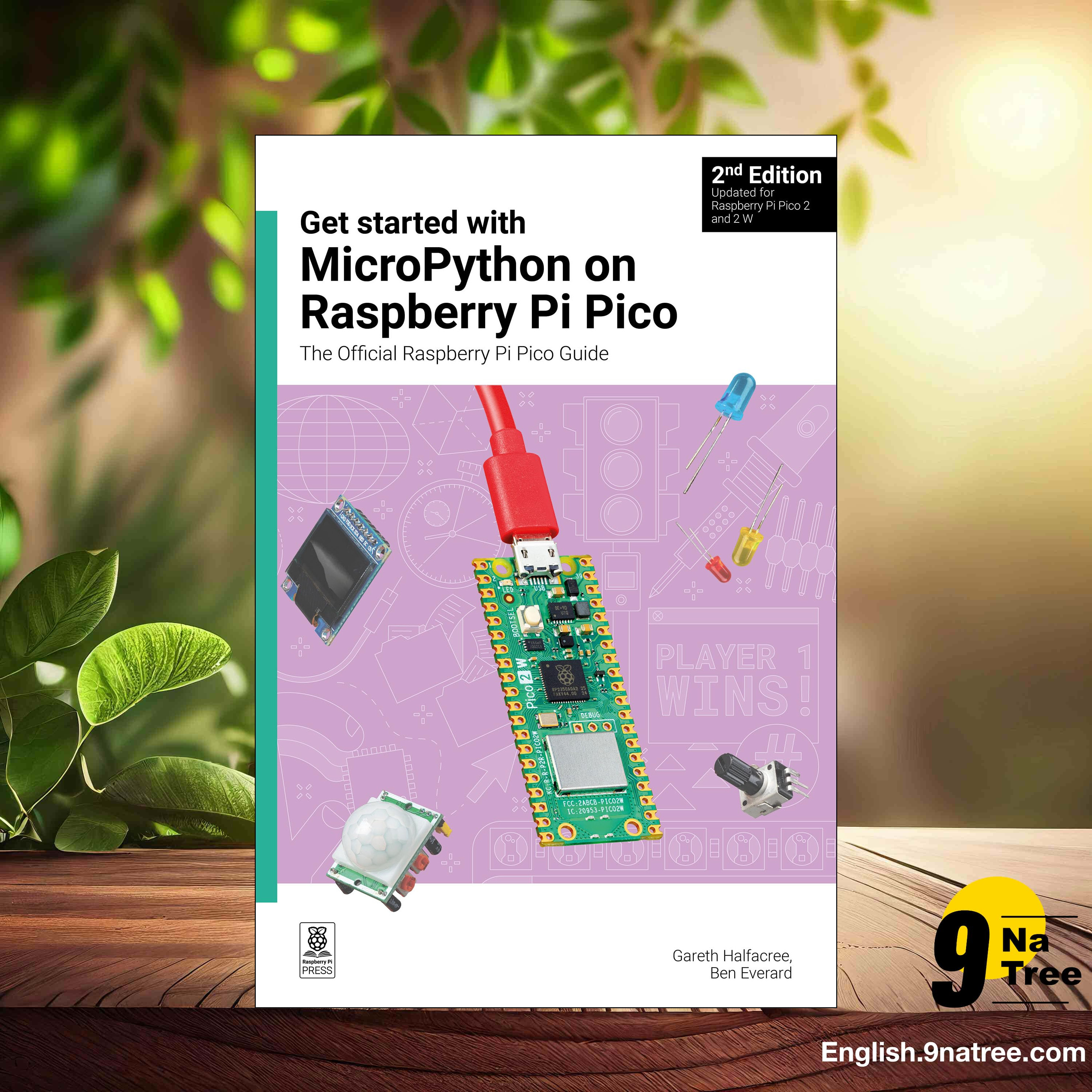
Get started with MicroPython on Raspberry Pi Pico (Gareth Halfacree)
- Buy on Amazon Books:
https://www.amazon.com/dp/B0CW1DRBTV?tag=9natree-20
- Sponsor and Support us:
https://9natree.com/page/sponsor-and-support.html
- Interesting Topics:
- A gradual route from Pico setup to physical computing
- MicroPython as an accessible embedded programming layer
- Digital input, timing, and interrupts turn circuits into responsive systems
- Projects introduce broader Pico capabilities, from sensing to persistent data
- Project-led learning links circuit construction, debugging, and system design
- Read more: https://english.9natree.com/read/B0CW1DRBTV/
Get Started with MicroPython on Raspberry Pi Pico: The Official Raspberry Pi Pico Guide is a practical introduction to programming Raspberry Pi Pico microcontroller boards through MicroPython. Written by Gareth Halfacree with Ben Everard, it combines elementary electronics, board familiarisation, and short physical-computing projects rather than treating programming as an isolated software exercise. The guide begins with installing MicroPython and working with a Pico from a computer, then progressively connects code to LEDs, buttons, sensors, displays, and other external components. Its purpose is to make embedded development accessible to readers who may have little prior experience of either electronics or Python. The official Raspberry Pi framing is important: the book explains the Pico hardware in terms of its pins, capabilities, and practical constraints, helping readers relate a program to an actual circuit. Later material expands beyond simple input and output toward interrupts, data storage, communications, and use of the RP2040 dual-core microcontroller. The result is a project-led handbook for learning how software interacts with hardware.
- Buy on Amazon Books:
https://www.amazon.com/dp/B0CW1DRBTV?tag=9natree-20
- Sponsor and Support us:
https://9natree.com/page/sponsor-and-support.html
- Interesting Topics:
- A gradual route from Pico setup to physical computing
- MicroPython as an accessible embedded programming layer
- Digital input, timing, and interrupts turn circuits into responsive systems
- Projects introduce broader Pico capabilities, from sensing to persistent data
- Project-led learning links circuit construction, debugging, and system design
- Read more: https://english.9natree.com/read/B0CW1DRBTV/
Get Started with MicroPython on Raspberry Pi Pico: The Official Raspberry Pi Pico Guide is a practical introduction to programming Raspberry Pi Pico microcontroller boards through MicroPython. Written by Gareth Halfacree with Ben Everard, it combines elementary electronics, board familiarisation, and short physical-computing projects rather than treating programming as an isolated software exercise. The guide begins with installing MicroPython and working with a Pico from a computer, then progressively connects code to LEDs, buttons, sensors, displays, and other external components. Its purpose is to make embedded development accessible to readers who may have little prior experience of either electronics or Python. The official Raspberry Pi framing is important: the book explains the Pico hardware in terms of its pins, capabilities, and practical constraints, helping readers relate a program to an actual circuit. Later material expands beyond simple input and output toward interrupts, data storage, communications, and use of the RP2040 dual-core microcontroller. The result is a project-led handbook for learning how software interacts with hardware.